Create a user account
Create an account so a new person can sign in to 7-Asset, and give it the role that matches their job. Each person gets one account with a unique login.
Before you start
- You need the IT Business Systems or Application Team role. The Administration group in the sidebar is only for this role.
- Know the person's login (their work email or identifier), their full name and which role they need.
- Follow your organization's approval process for new access before you create the account.
Steps
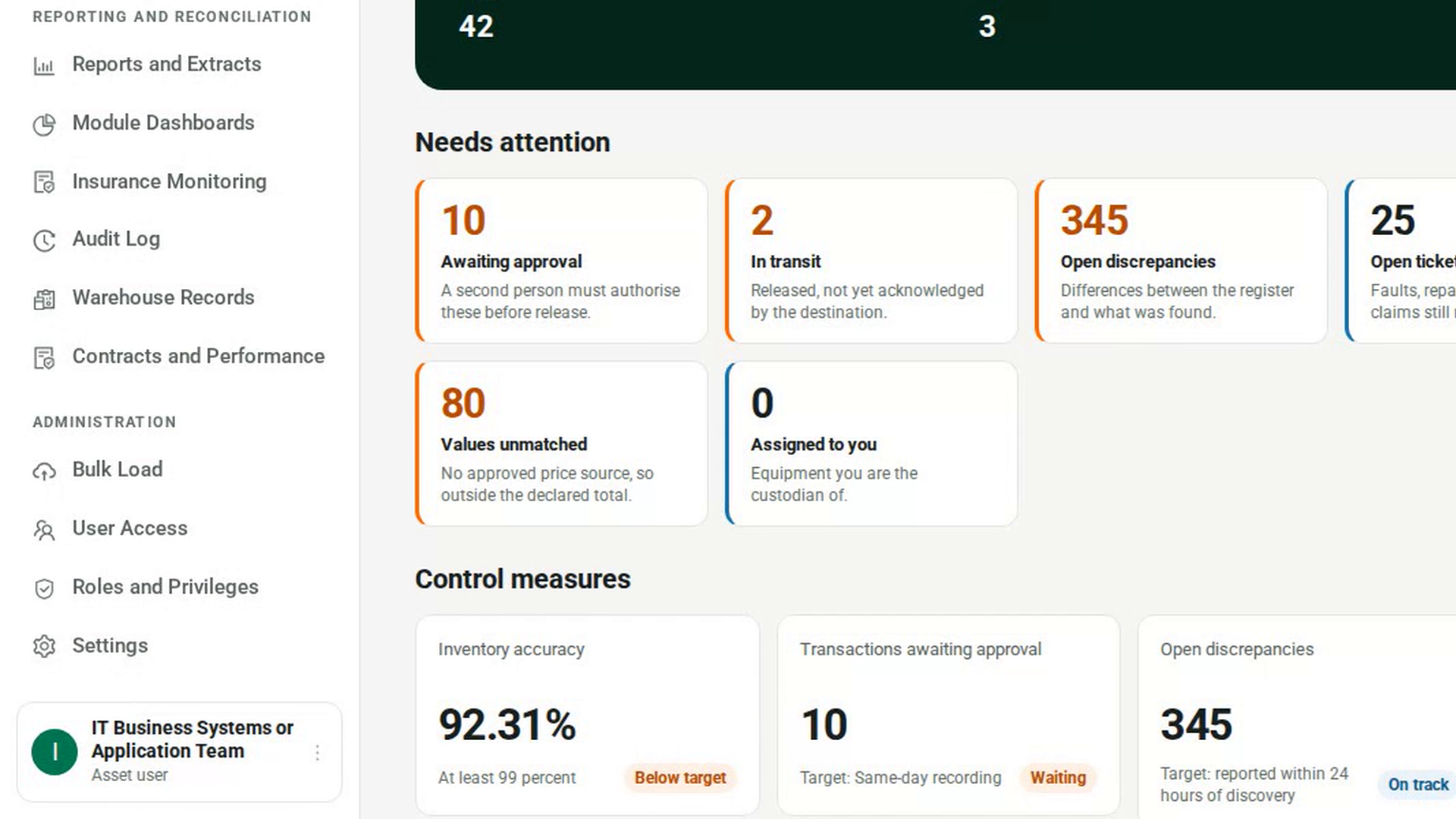
Open User Access
In the sidebar, under Administration, select User Access. The page lists every account that can use 7-Asset.
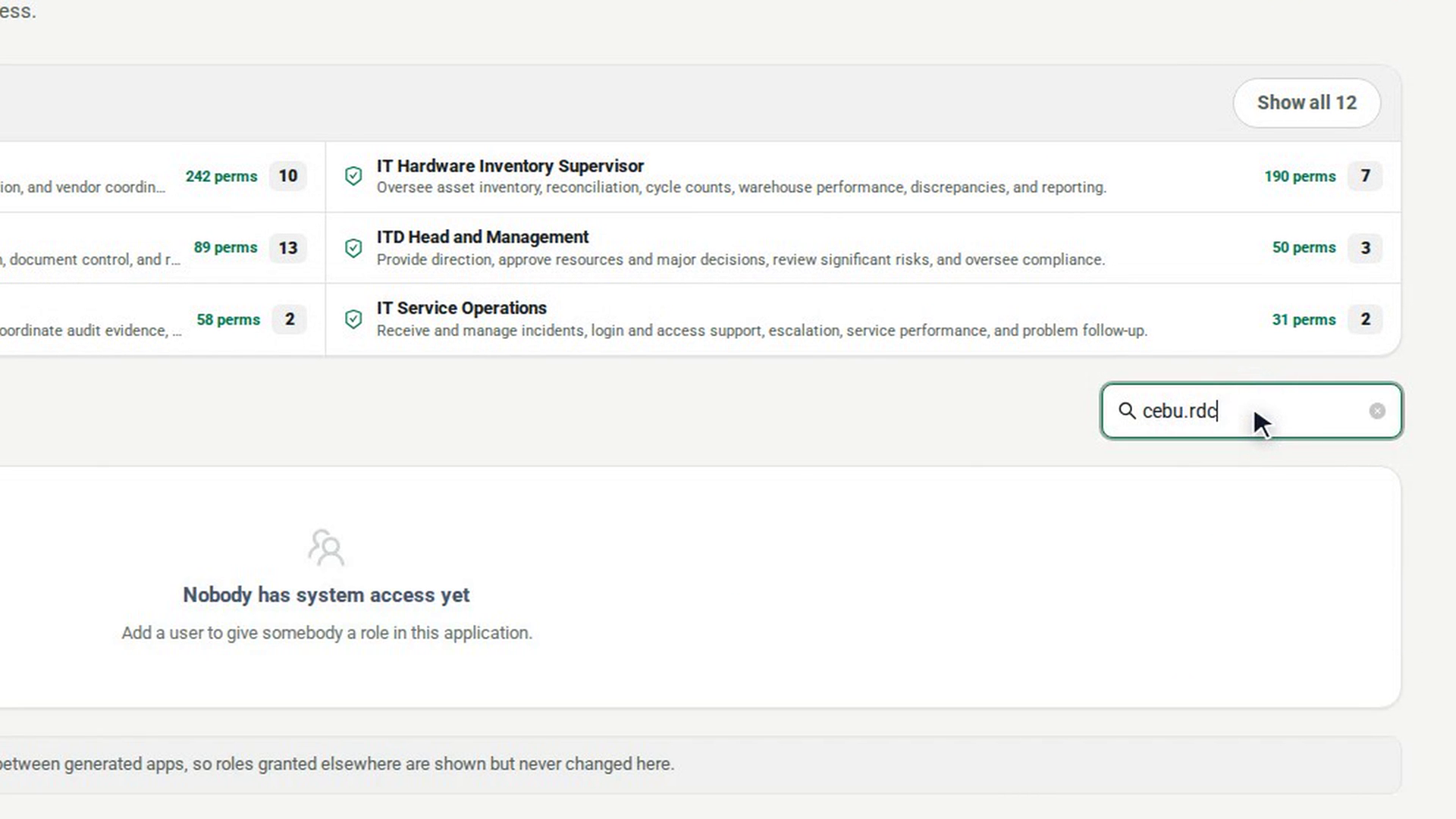
Check the person has no account yet
In Search name or login, type the person's name or login. If they are already listed, give them a role instead of creating a second account.
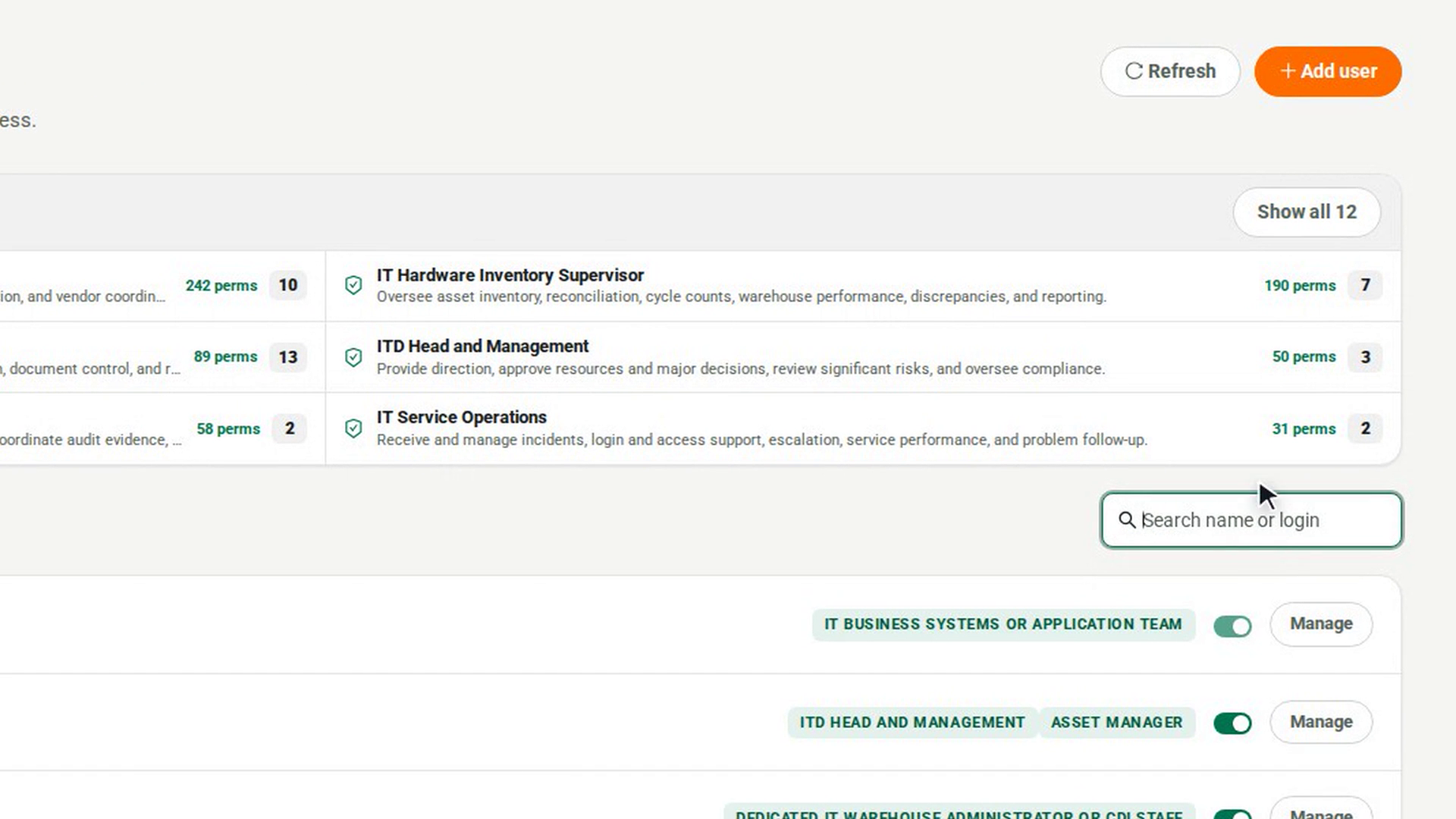
Start a new account
Select Add user. The Add a user panel opens.
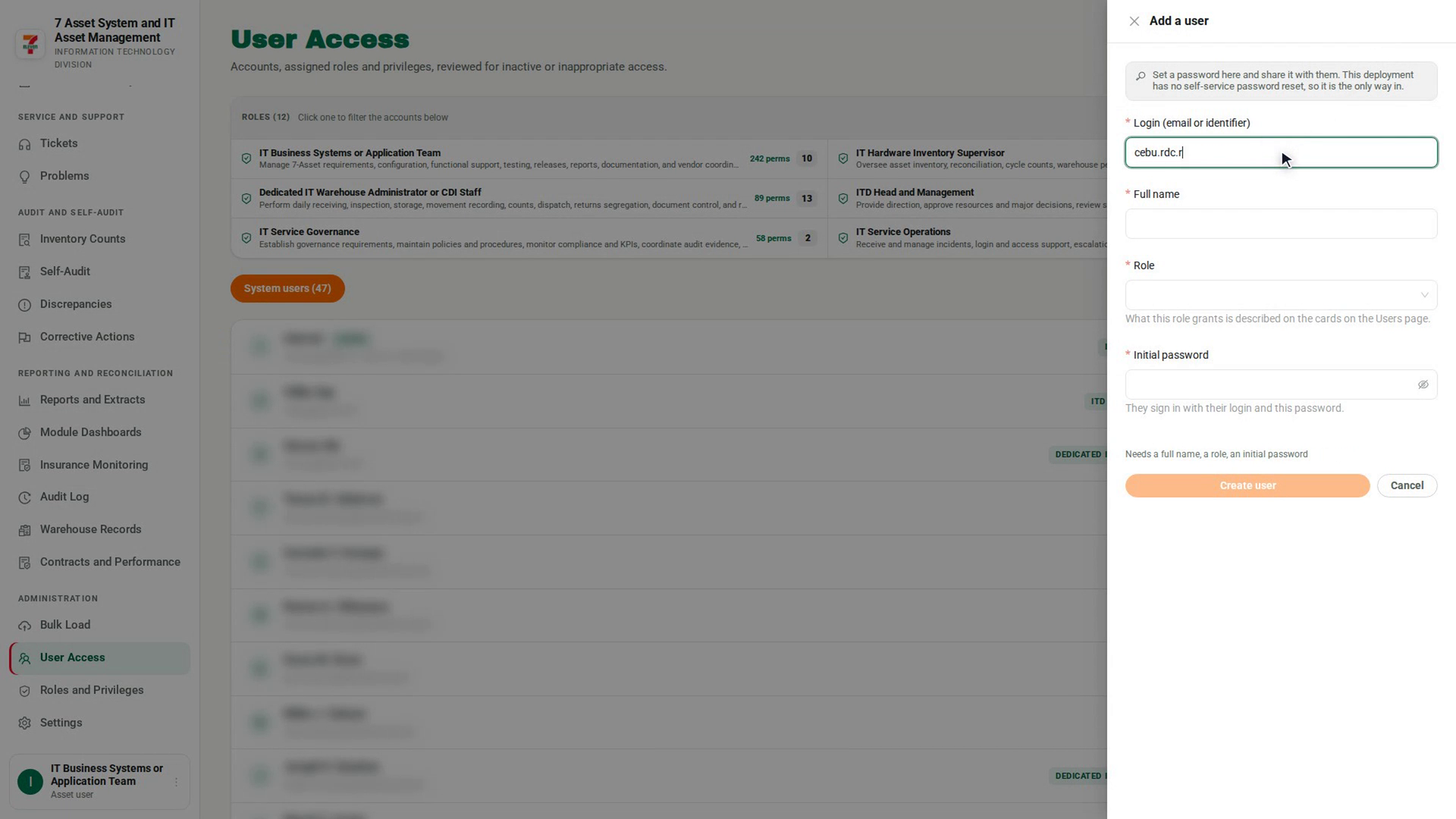
Enter the login and name
Fill in Login (email or identifier) and Full name.
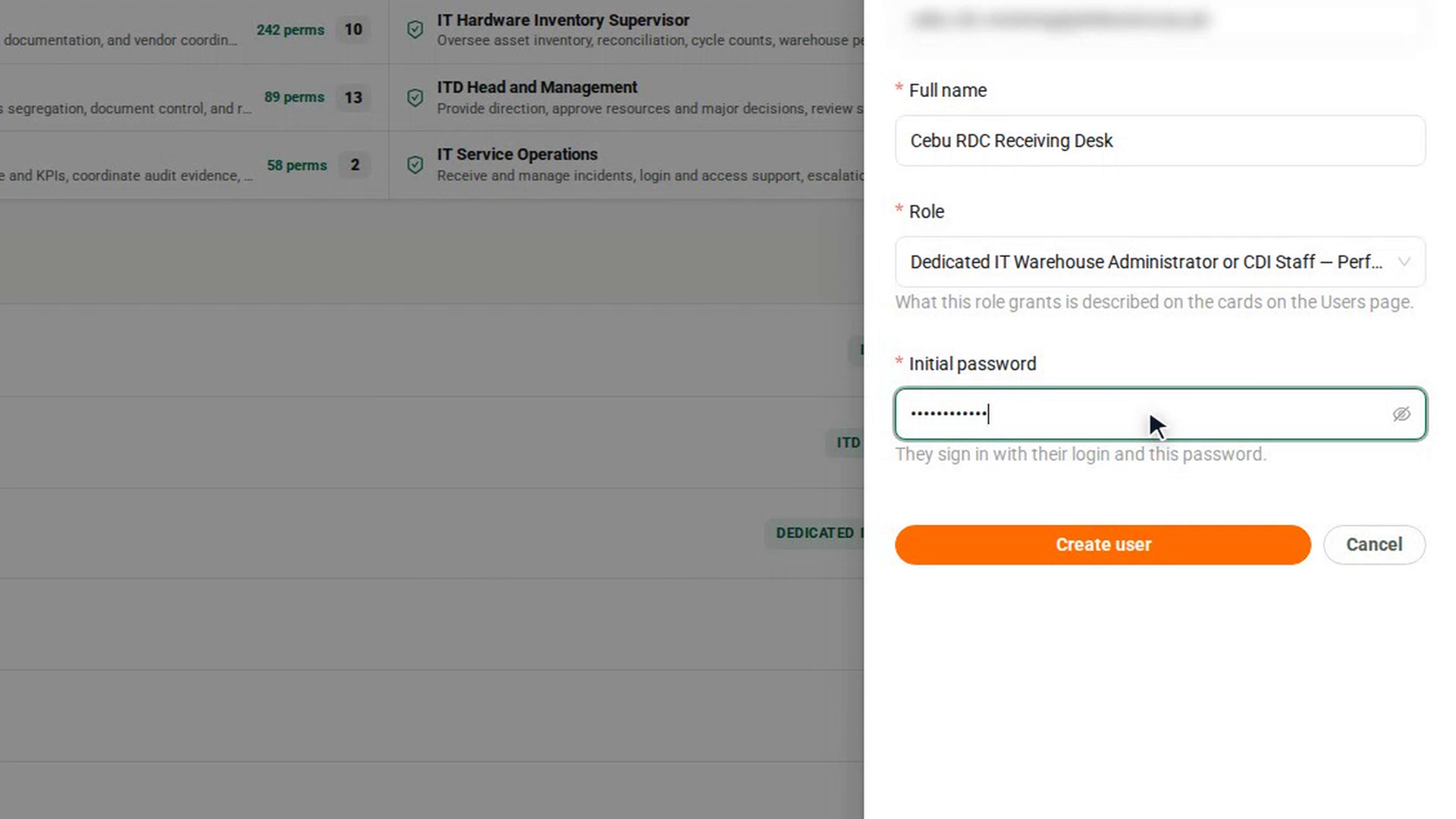
Choose a role
In Role, choose one role. Each option says what the role grants. You can add more roles later with Manage.
Set an initial password
In Initial password, type a password of at least 8 characters. The person signs in with their login and this password.
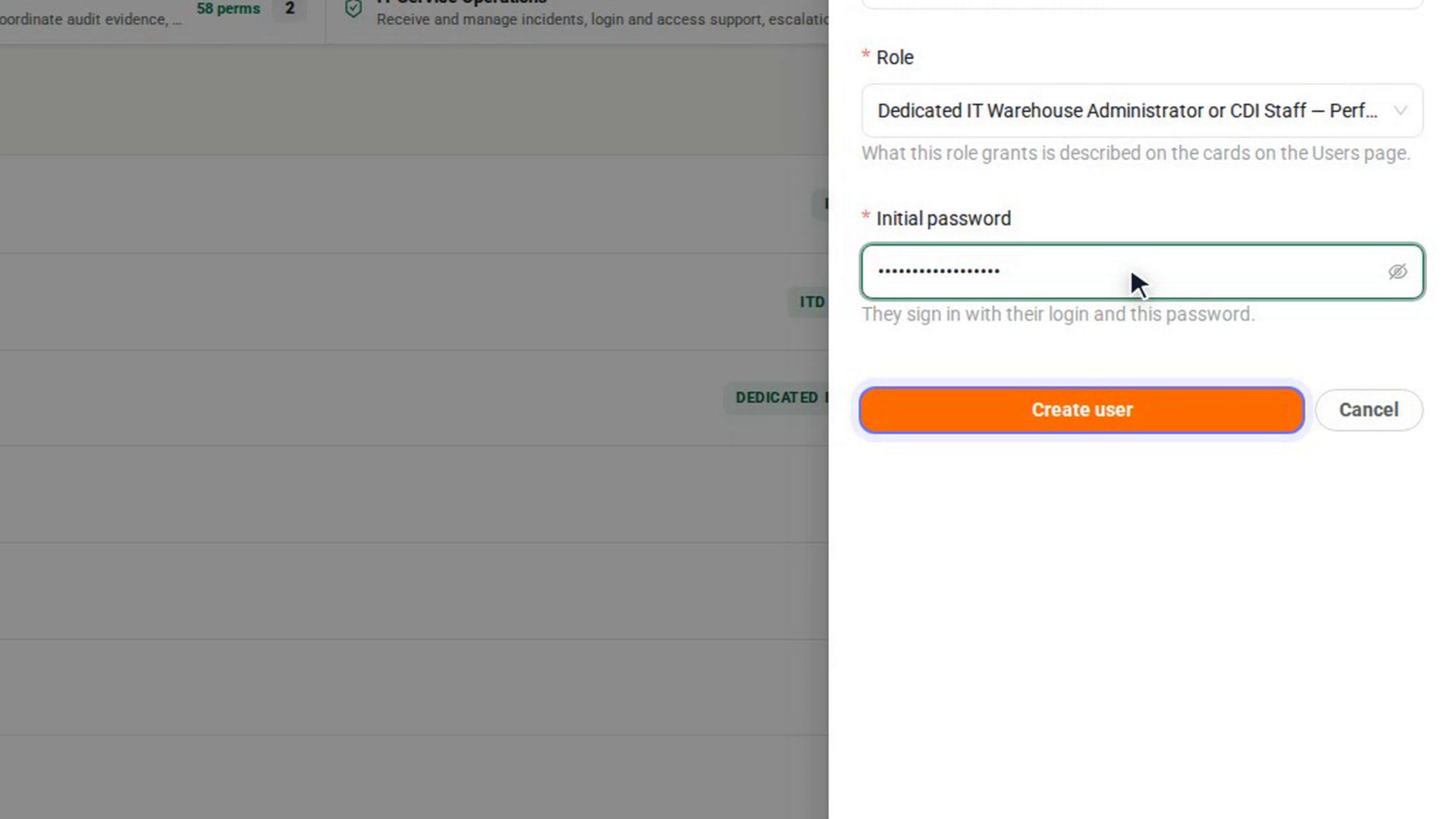
Create the account
Select Create user. The button stays unavailable until every field is filled, and a hint above it says what is still missing. A message confirms the person was added and which login they sign in with. To leave without creating anything, select Cancel.
Screenshots
Step 1: Open User Access
Step 2: Check the person has no account yet
Step 3: Start a new account
Step 4: Enter the login and name
Step 5: Choose a role
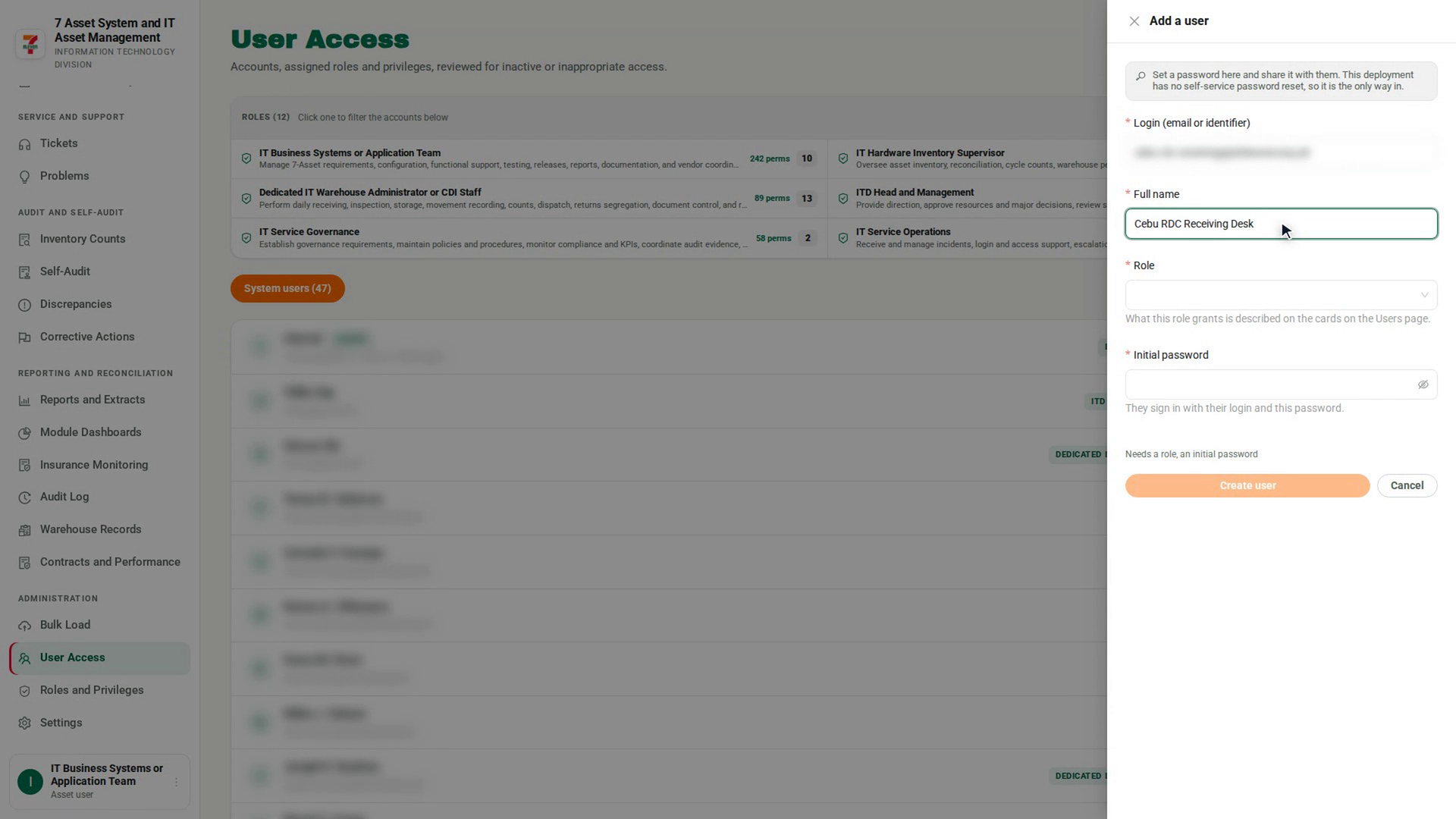
Step 6: Set an initial password
Step 7: Create the account
Watch how
Tip: 7-Asset has no self-service password reset, so the initial password is the only way in. Share it with the person through a secure channel, never in a shared chat or ticket.
If the login already exists, 7-Asset refuses the new account and tells you to assign a role instead of creating a duplicate.