Record a data wipe
Before data-bearing equipment can be disposed of, 7-Asset needs a record of how its data was destroyed: the method, the person responsible, the date and the certificate reference. You record this on the asset itself.
Before you start
- You need one of these roles: IT Warehouse Technical Team, IT Hardware Inventory Supervisor, or IT Business Systems or Application Team.
- The asset must be marked as holding data. Only data-bearing assets show the Record wipe button.
- The wipe must already be done, and you need the certificate reference from it.
- The asset must not be disposed of yet.
Steps
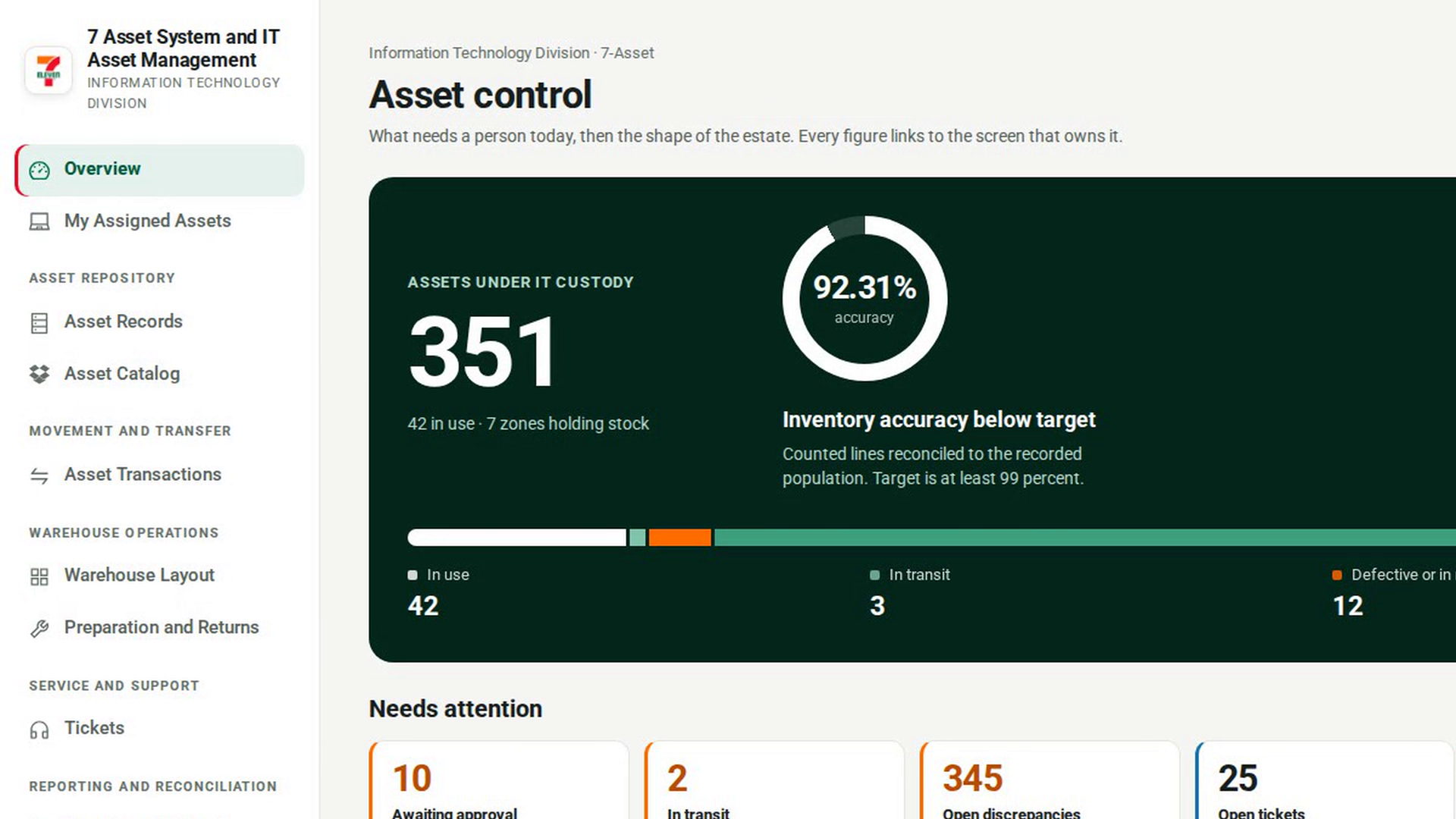
Open Asset Records
In the sidebar, under Asset Repository, select Asset Records.
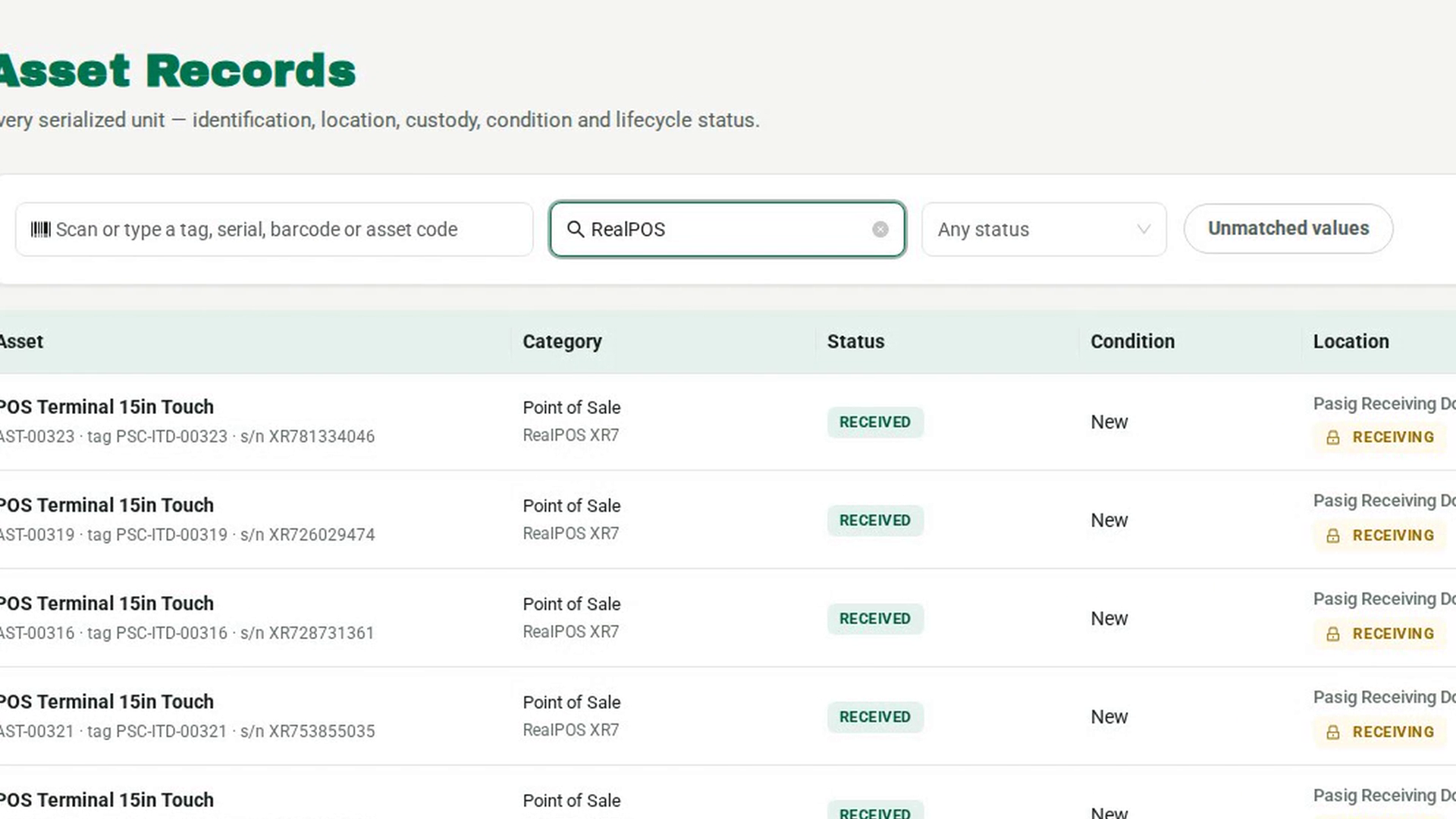
Open the asset's record
Find the asset by typing its tag, serial or asset code in Filter the list, or scan it in the scan box. Select its row to open the record.
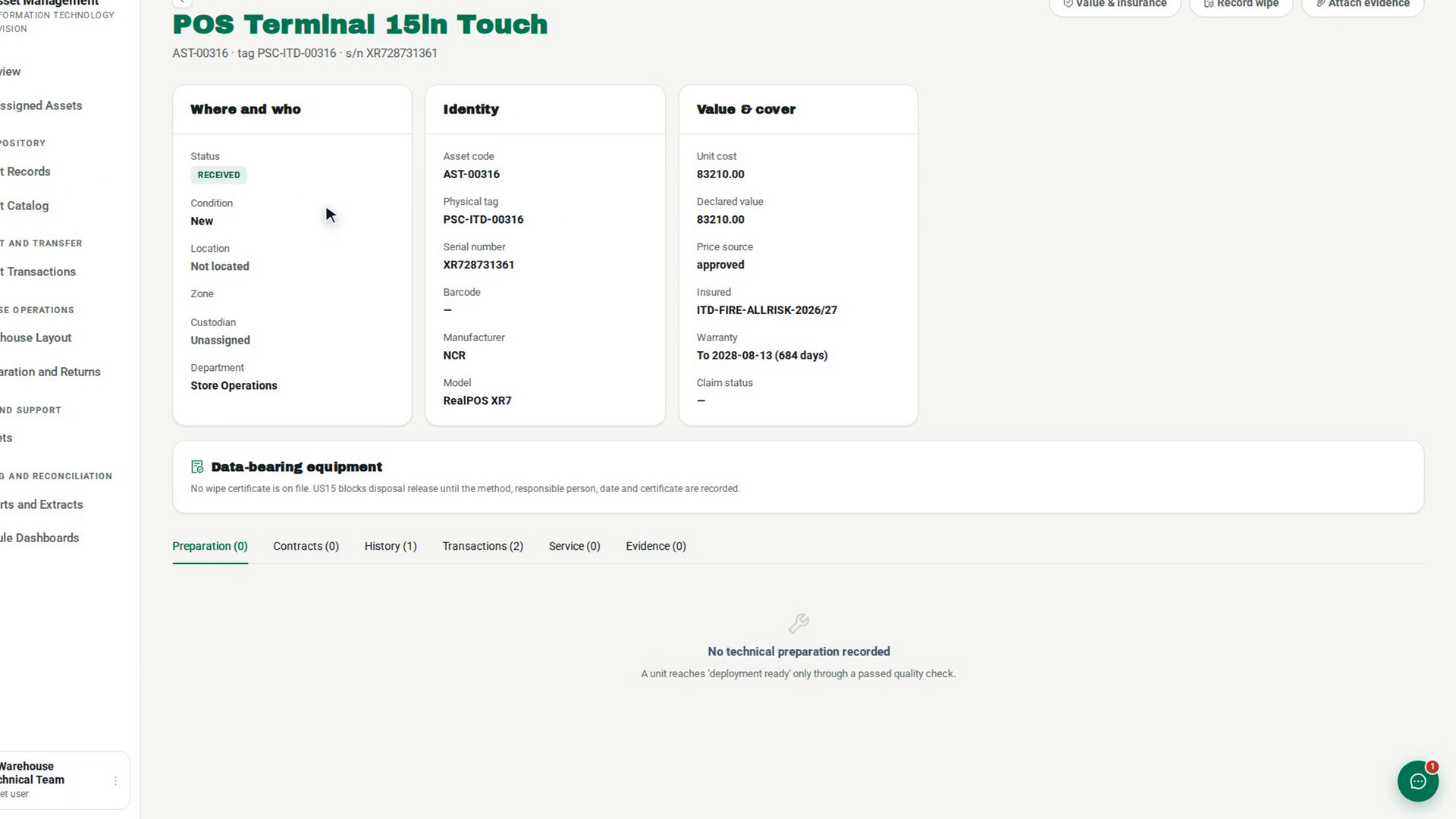
Check whether a wipe is on file
Look at the Data-bearing equipment panel below the summary cards. If nothing has been recorded, it says No wipe certificate is on file and that disposal release is blocked until the method, responsible person, date and certificate are recorded.
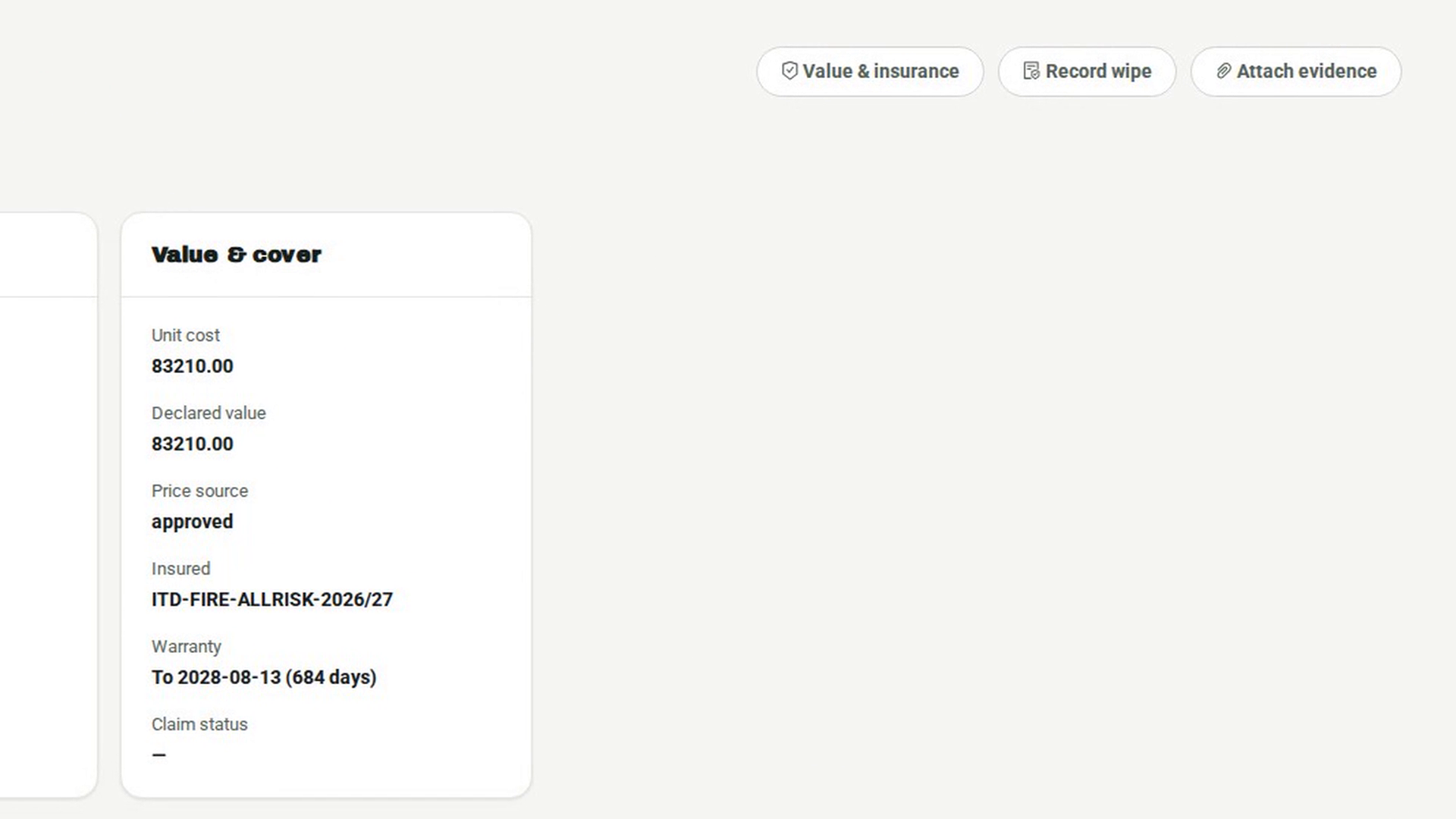
Open the sanitization form
Select Record wipe at the top of the page. The Record sanitization dialog opens. It notes that you are recorded as the responsible person.
Enter the wipe details
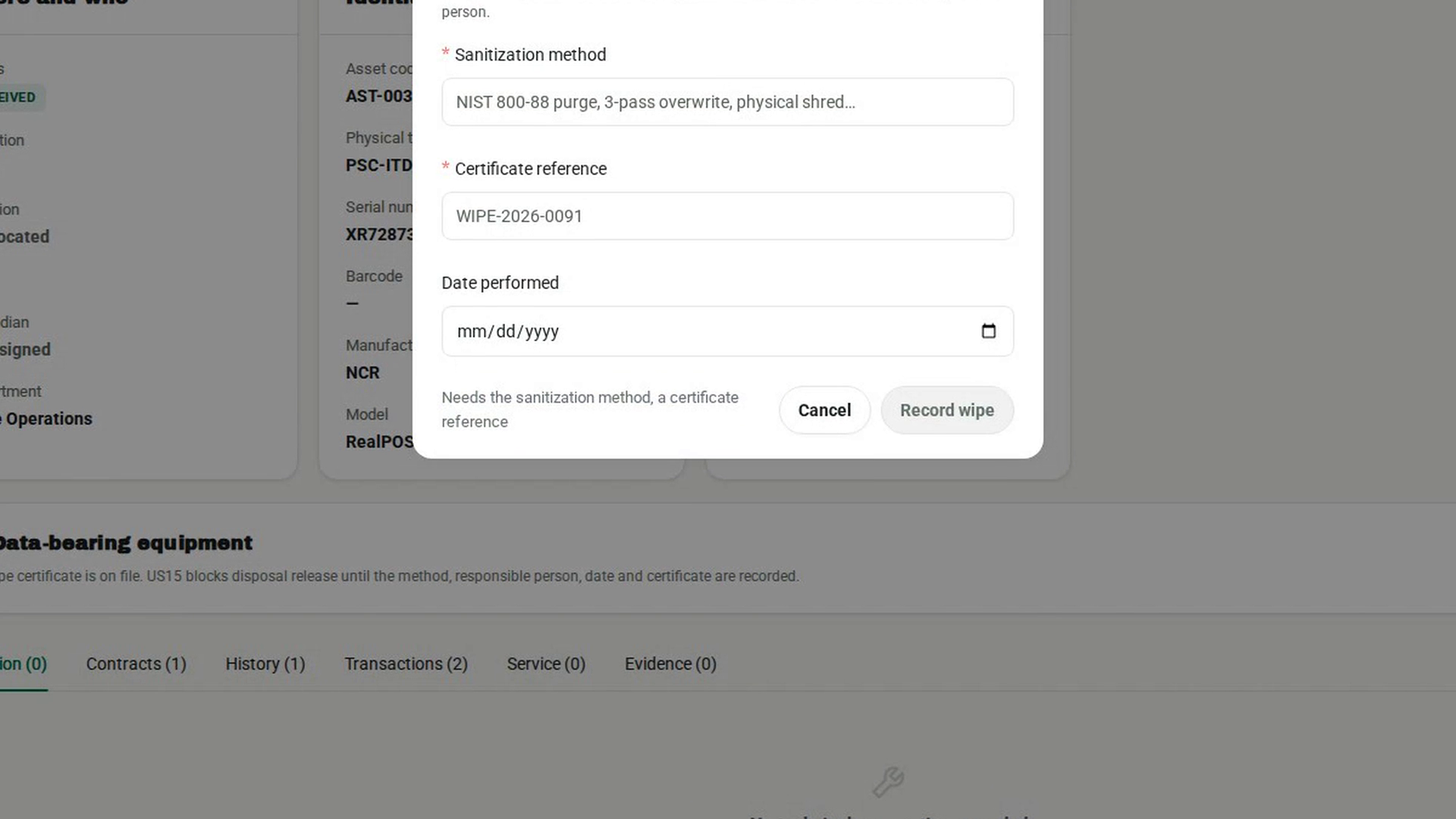
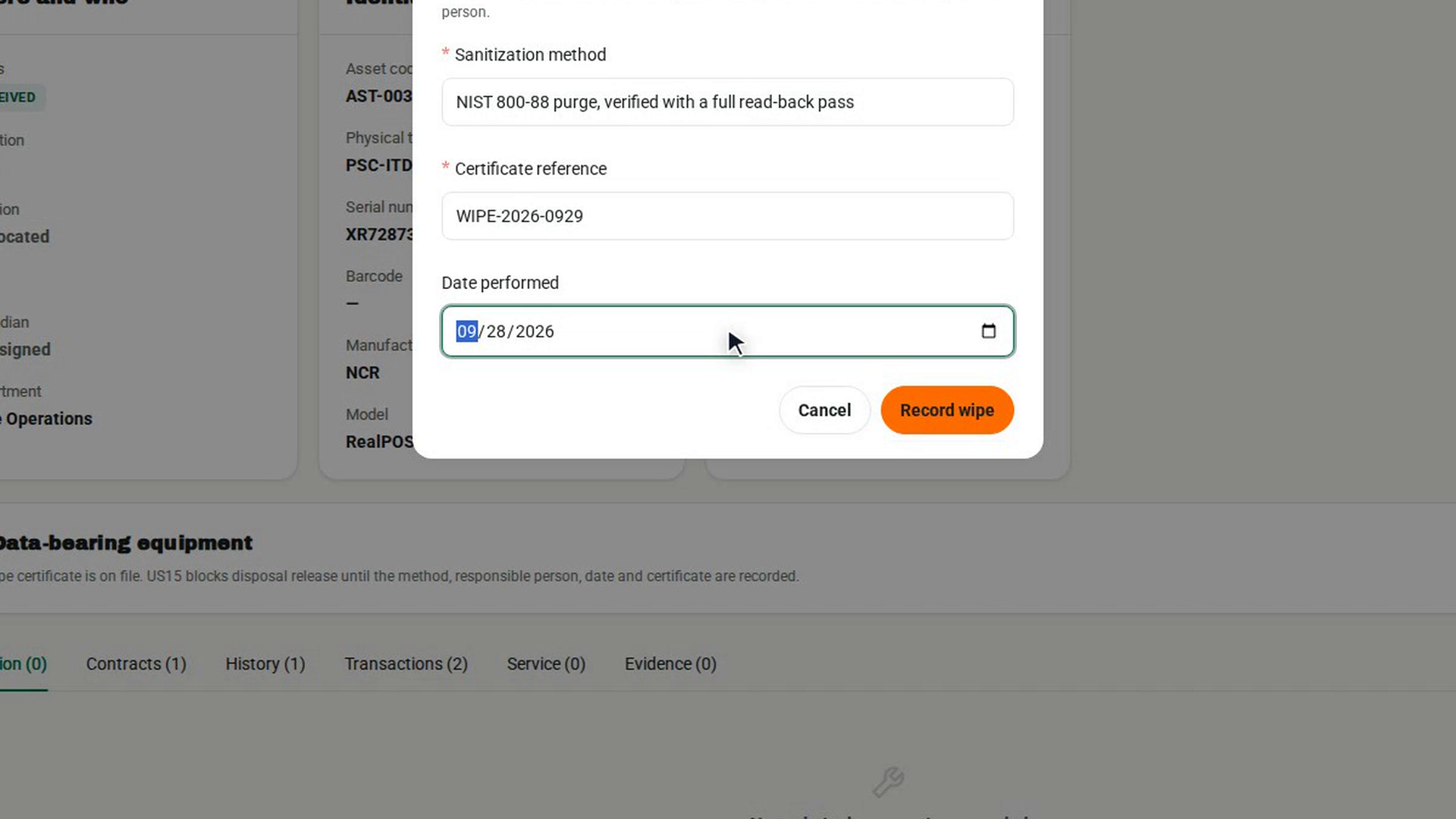
Type how the data was destroyed in Sanitization method, for example a purge standard, an overwrite or physical shredding. Type the certificate number in Certificate reference. Pick the Date performed. Until both the method and the certificate are filled in, the dialog shows what is still needed and the save button stays disabled.
Record the wipe
Select Record wipe in the dialog footer. A message says Sanitization recorded. and the Data-bearing equipment panel now shows the method and certificate.
Screenshots
Step 1: Open Asset Records
Step 2: Open the asset's record
Step 3: Check whether a wipe is on file
Step 4: Open the sanitization form
Step 5: Enter the wipe details
Step 6: Record the wipe
Watch how
Record the wipe before disposal. Once an asset is disposed of, 7-Asset refuses a wipe record: a certificate recorded after disposal proves nothing about what left the building.
Keep the certificate itself as evidence. The wipe record holds the certificate reference. To keep the certificate document, or a link to it, use Attach evidence on the same record and choose the wipe certificate document type.