Read the audit log
The Audit Log shows who did what and when. It puts two trails side by side: the stock movement ledger, and the transactions and structural changes made to records, zones and racks.
Before you start
- You need a role that can open Audit Log: IT Business Systems or Application Team, IT Hardware Inventory Supervisor, Dedicated IT Warehouse Administrator or CDI Staff, ITD Head and Management, IT Service Governance, or Asset and Logistics Associate.
Steps
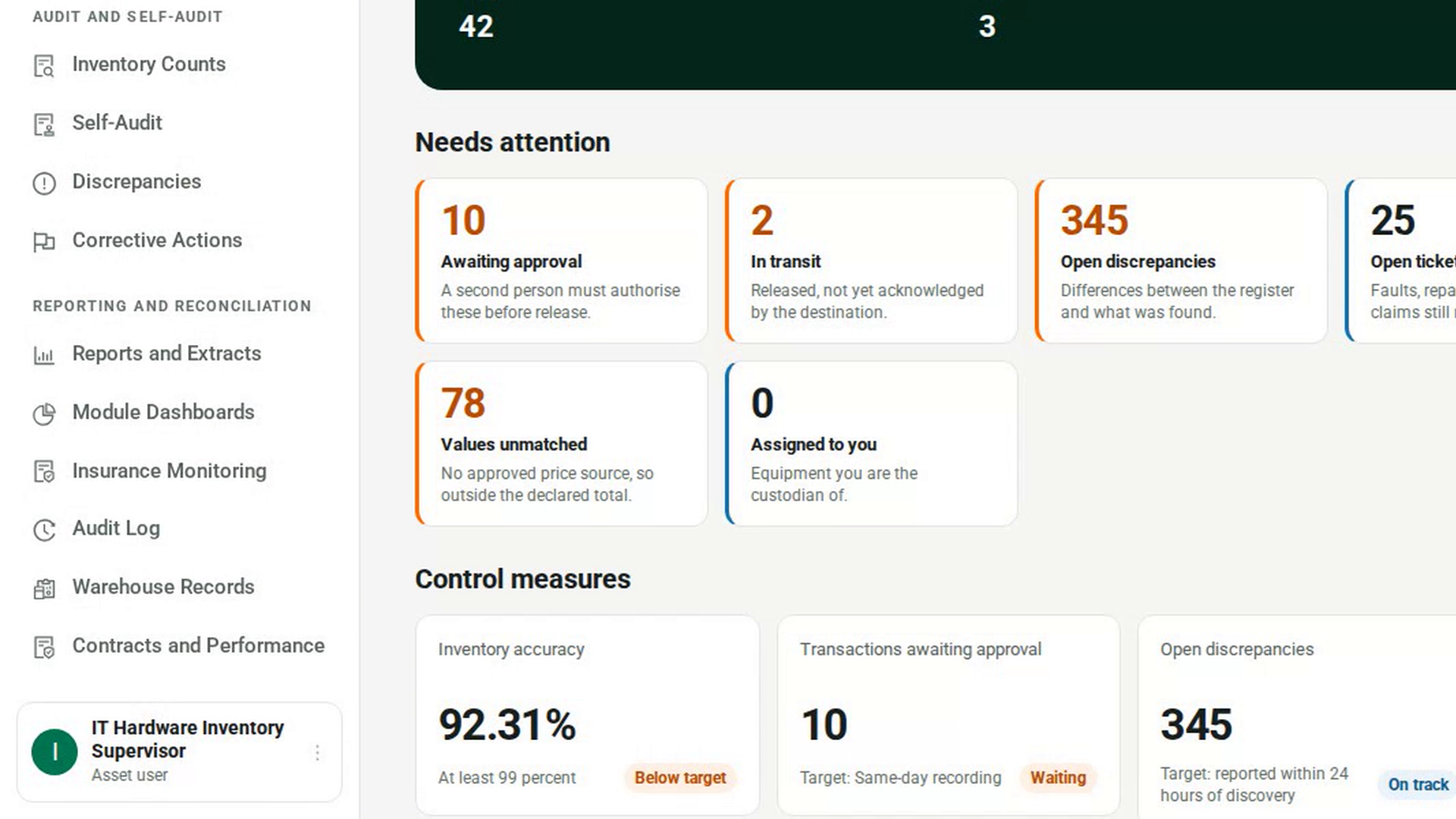
Open the Audit Log
In the sidebar, under Reporting and Reconciliation, select Audit Log. The page shows two lists, newest first: Stock movements and Order & structural changes.
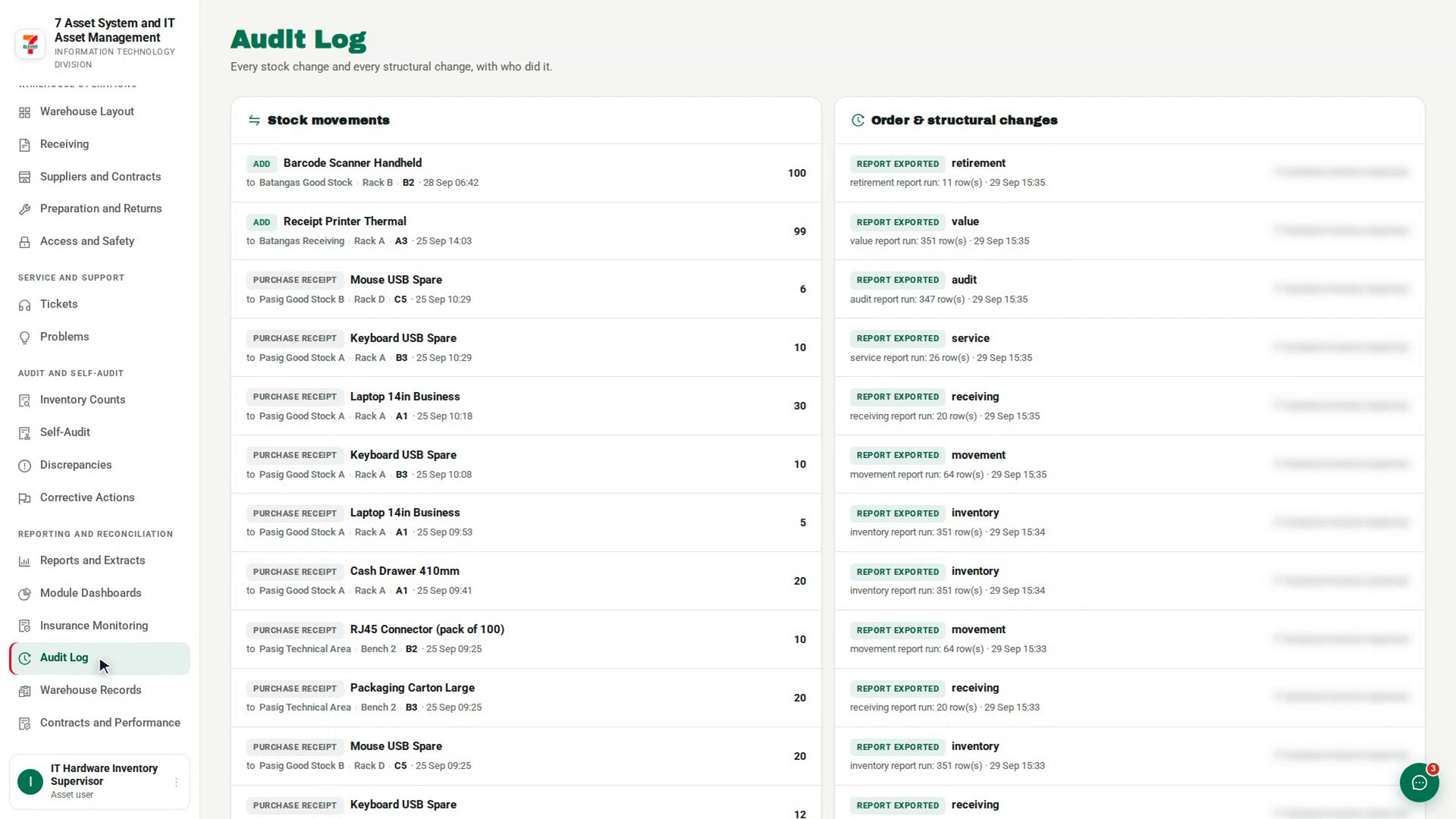
Read the stock movements
In Stock movements, each row shows the kind of movement, such as add, adjust or transfer, the item, the location it came from and went to, the date and time, and the quantity on the right. If nothing has moved yet, you see No stock movements yet.
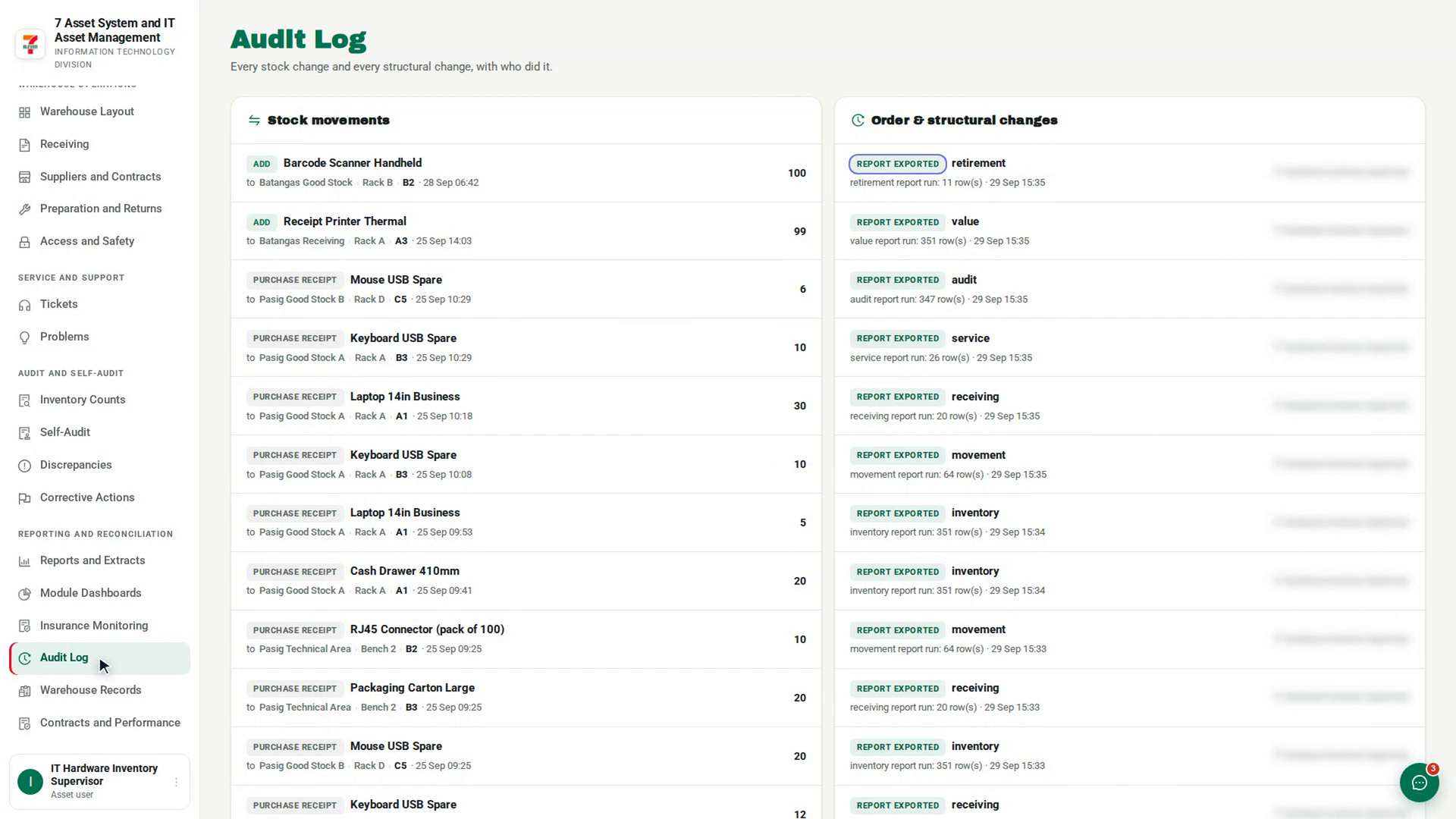
Read the changes to records
In Order & structural changes, each row shows the kind of event, the record it concerns, a short summary, the date and time, and on the right the person who did it. If nothing has been recorded yet, you see Nothing recorded yet.
Screenshots
Step 1: Open the Audit Log
Step 2: Read the stock movements
Step 3: Read the changes to records
Watch how
Tip: Both trails are append-only. No row can be edited or deleted, so a mistake is corrected by a new entry, never by changing the old one.