Move an asset inside the warehouse
Stock often has to move from one shelf position to another in the warehouse. You move it from the rack it sits on, and 7-Asset records the move so the slot contents always match the shelf.
Before you start
- You need to be able to move stock: Dedicated IT Warehouse Administrator or CDI Staff, Asset and Logistics Associate, IT Hardware Inventory Supervisor, or IT Business Systems or Application Team.
- The stock must already be recorded in a slot, and the slot you are moving it to must exist in Warehouse Layout.
Steps
Open Warehouse Layout
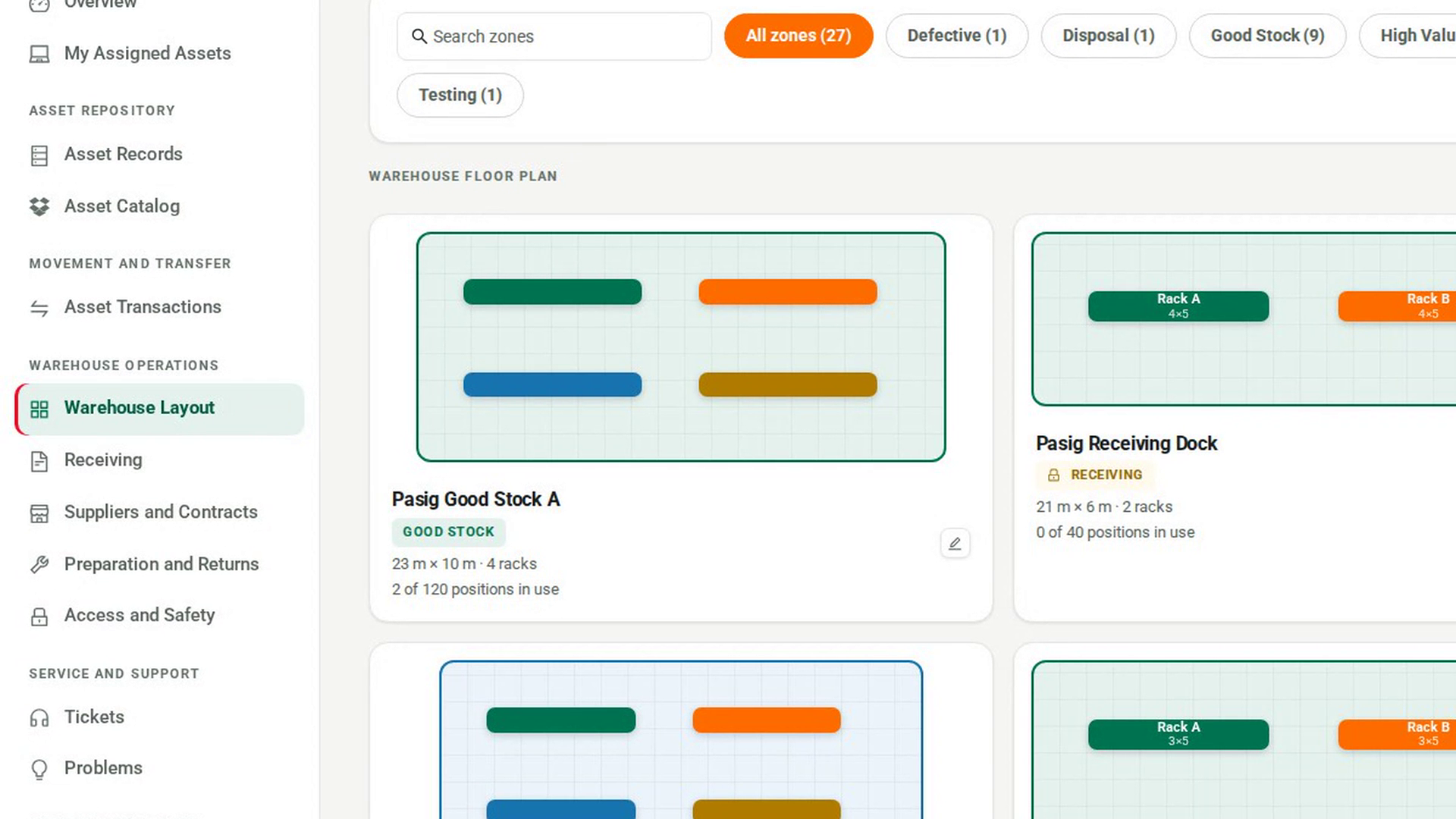
In the sidebar, under Warehouse Operations, select Warehouse Layout. Every zone appears as a card.
Open the zone
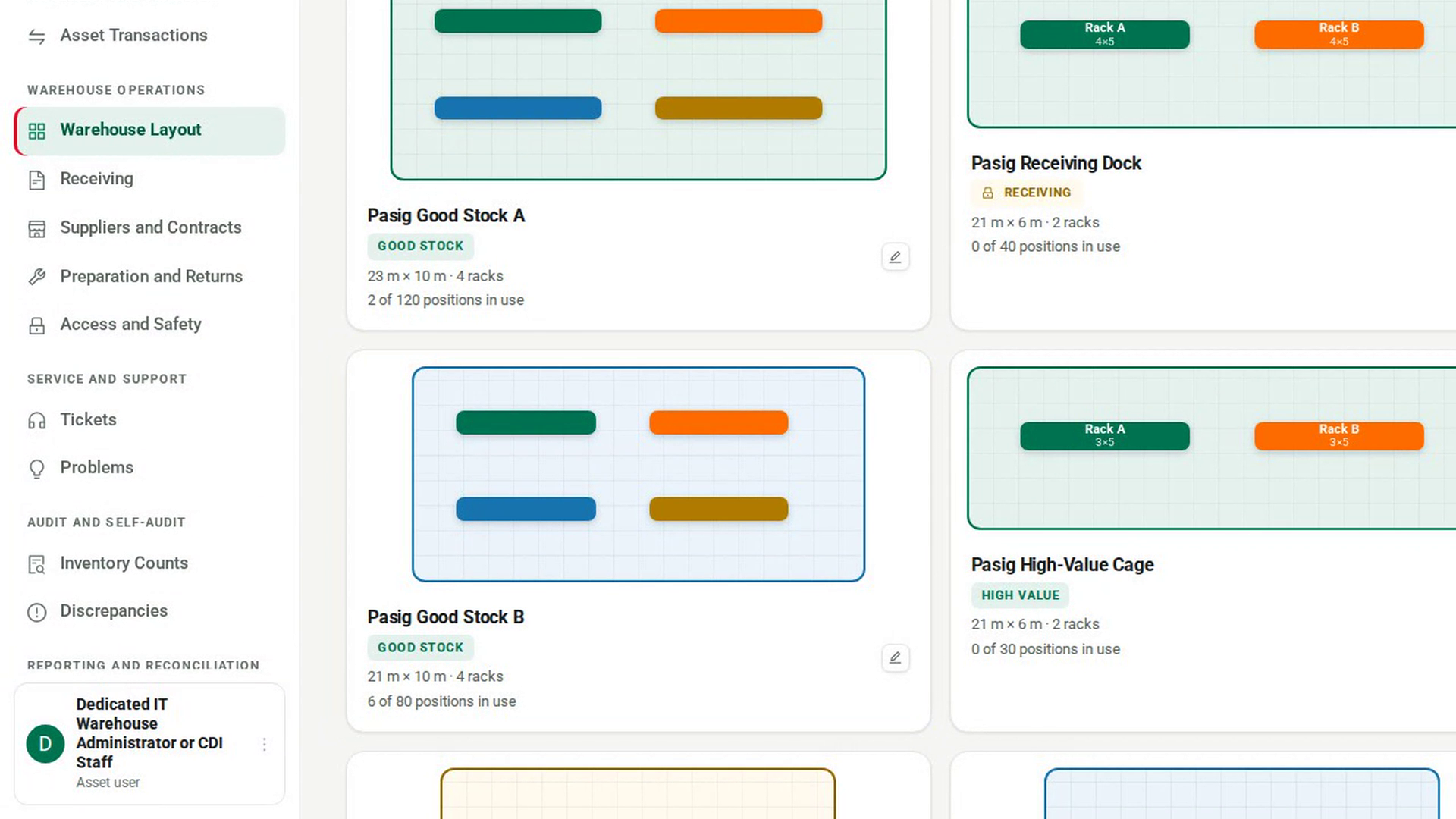
Select the card of the zone the stock is in. The Zone Designer opens with the zone's racks on the floor plan and a Racks in list below it.
Open the rack's slots
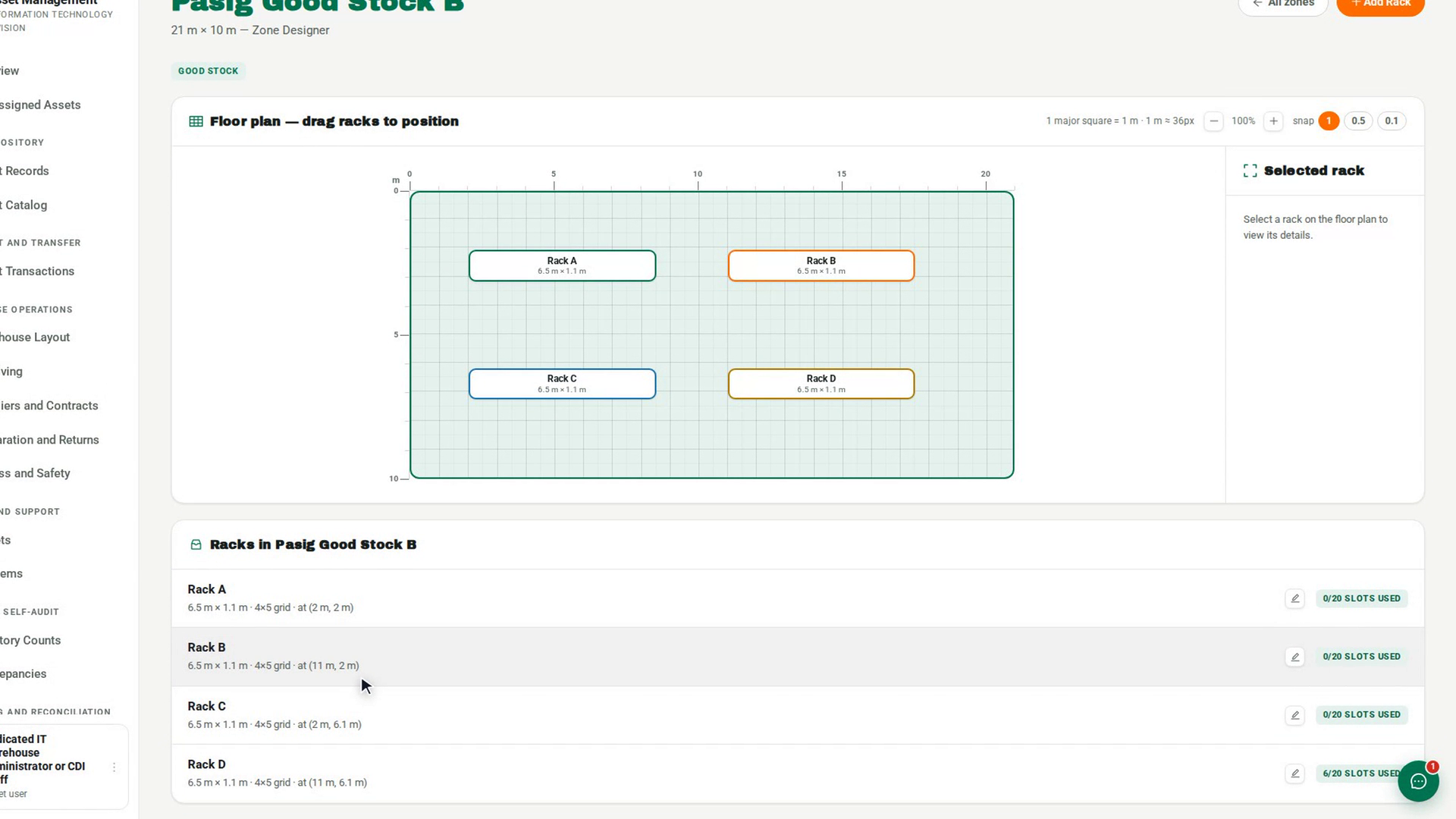
Select the rack on the floor plan. The Selected rack panel shows its position, footprint and Slots in use. Select Open slot grid. The rack opens with its slots laid out in rows and columns.
Select the slot
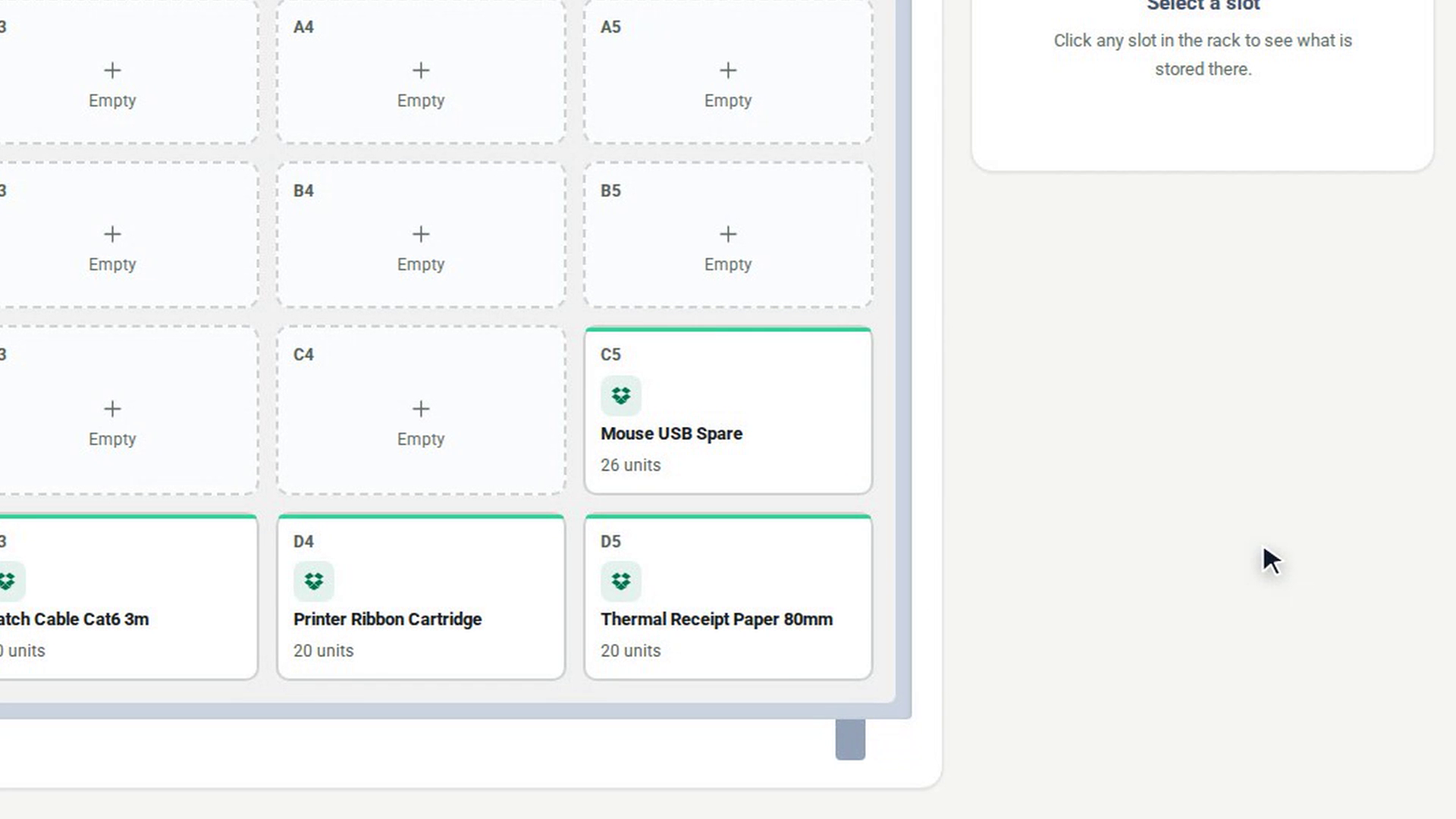
Select the slot that holds the stock. The panel beside the rack shows the slot's name, how many units it holds and each item stored there.
Start the move
Select Transfer. The Move stock out dialog opens. Transfer is greyed out when the slot is empty.
Say what moves and where
Choose the Asset, pick the destination in Move to slot, and enter the Quantity. Select Move. The message Stock moved. confirms it, and the slot panel updates.
Screenshots
Step 1: Open Warehouse Layout
Step 2: Open the zone
Step 3: Open the rack's slots
Step 4: Select the slot
Step 5: Start the move
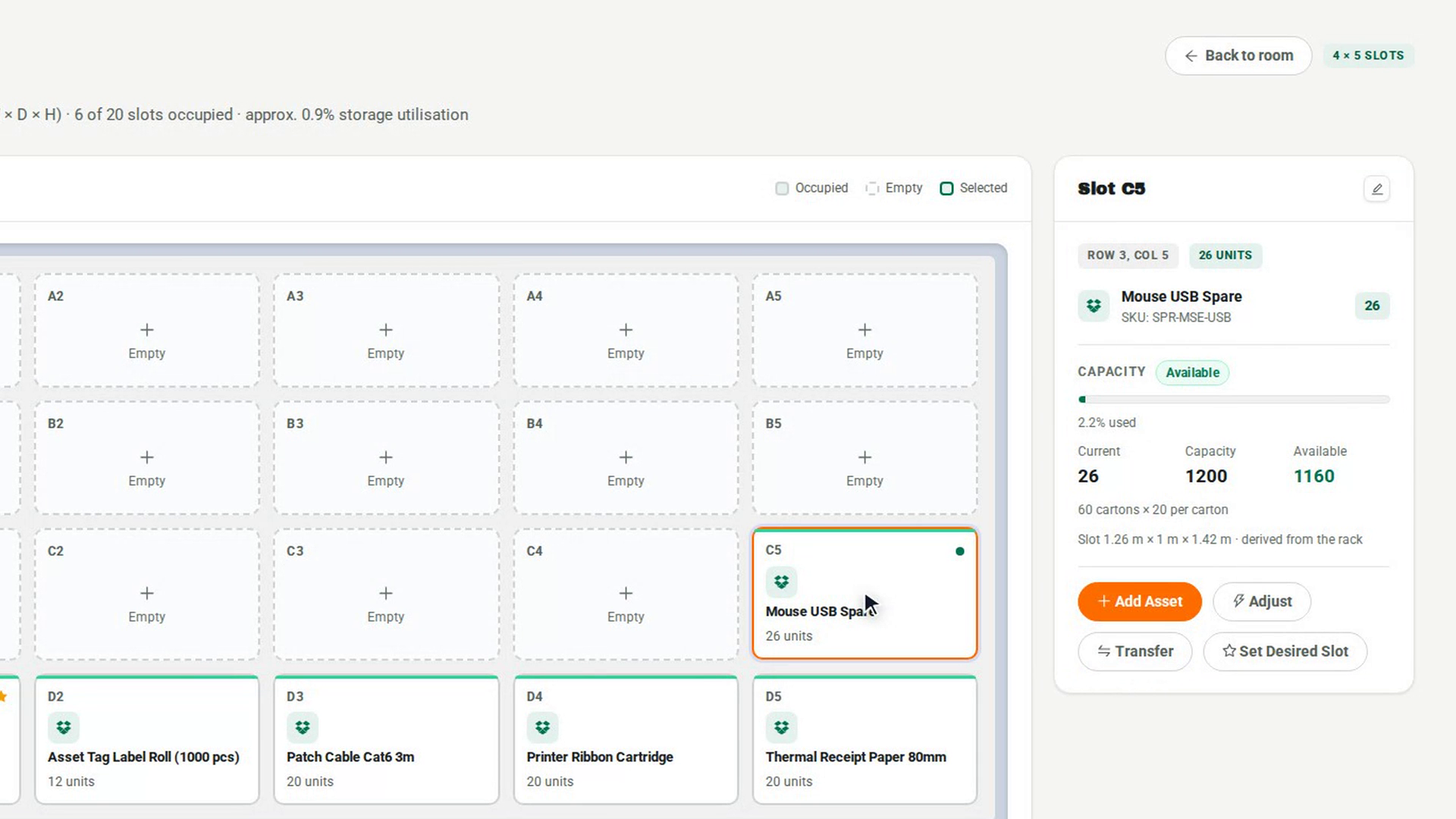
Step 6: Say what moves and where
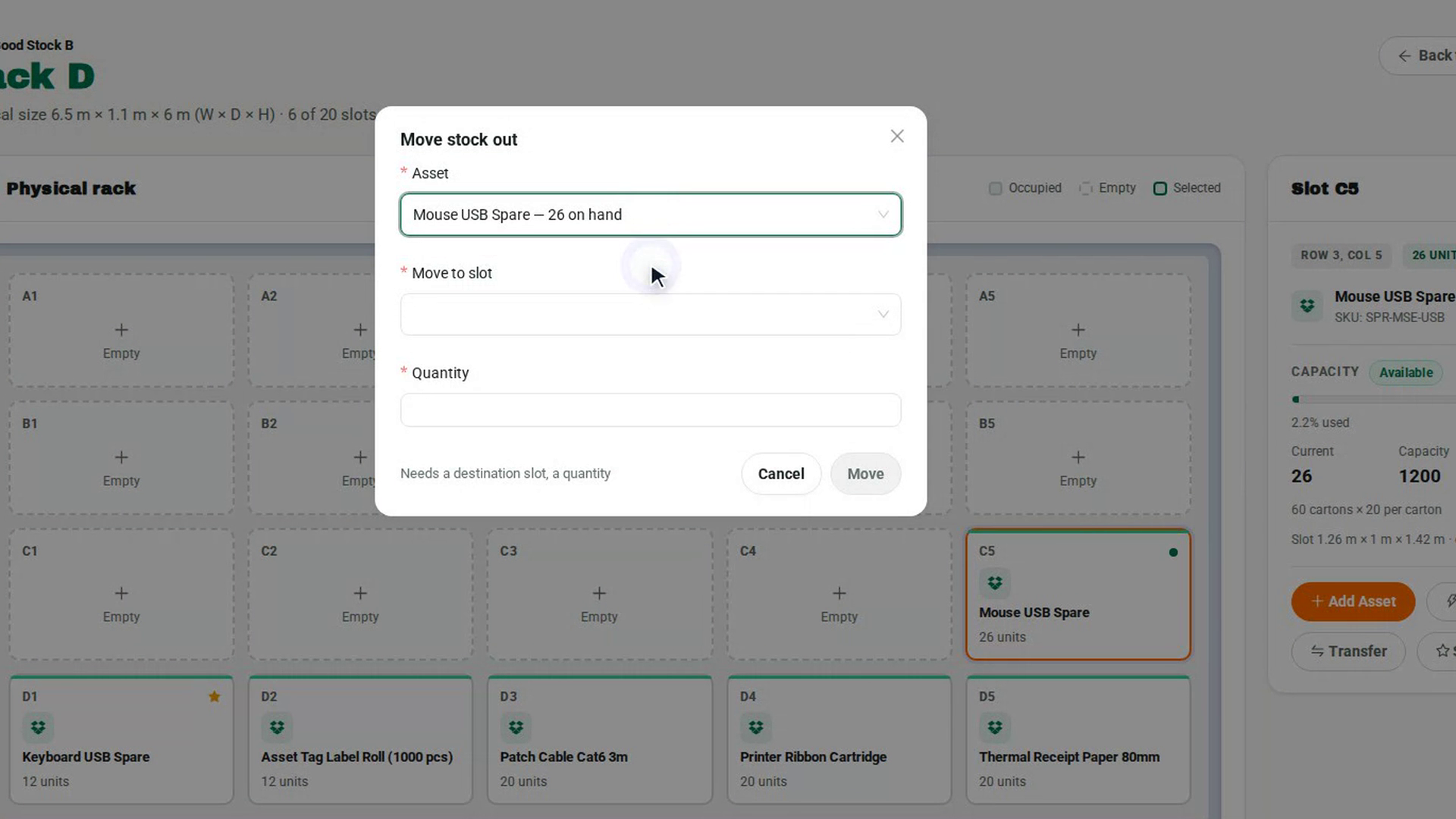
Watch how
Tip: Every move is recorded as a transfer in the Stock movements list of the Audit Log, with where it came from and where it went. A single tracked asset with its own record is moved with a Putaway transaction instead, which keeps the asset's recorded location in step with its shelf.
On the Zone Designer floor plan, dragging a rack moves it and saves its new position straight away. To open a rack without moving it, select it and use Open slot grid.