Tag an asset and check it is unique
Every serialized asset carries a physical tag, a serial number and, if it has one, a barcode or QR code. Before you register a unit, check that nothing else in 7-Asset already uses its codes, then record them on the new asset.
Before you start
- You need one of these roles: IT Business Systems or Application Team, IT Hardware Inventory Supervisor, Dedicated IT Warehouse Administrator or CDI Staff, or Asset and Logistics Associate.
- Have the unit and its label in front of you. A barcode scanner helps, but you can type the codes instead.
Steps
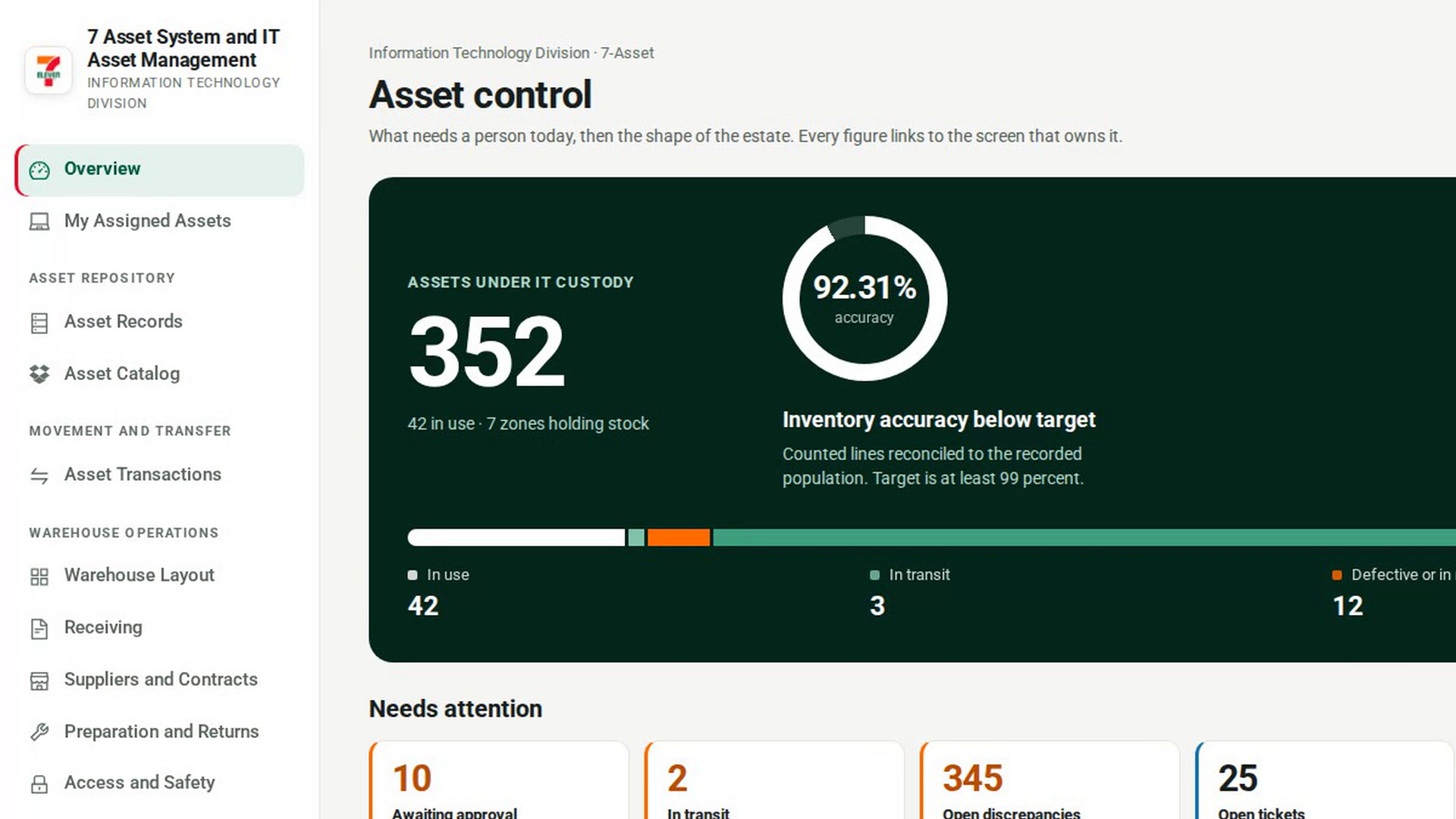
Open Asset Records
In the sidebar, under Asset Repository, select Asset Records.
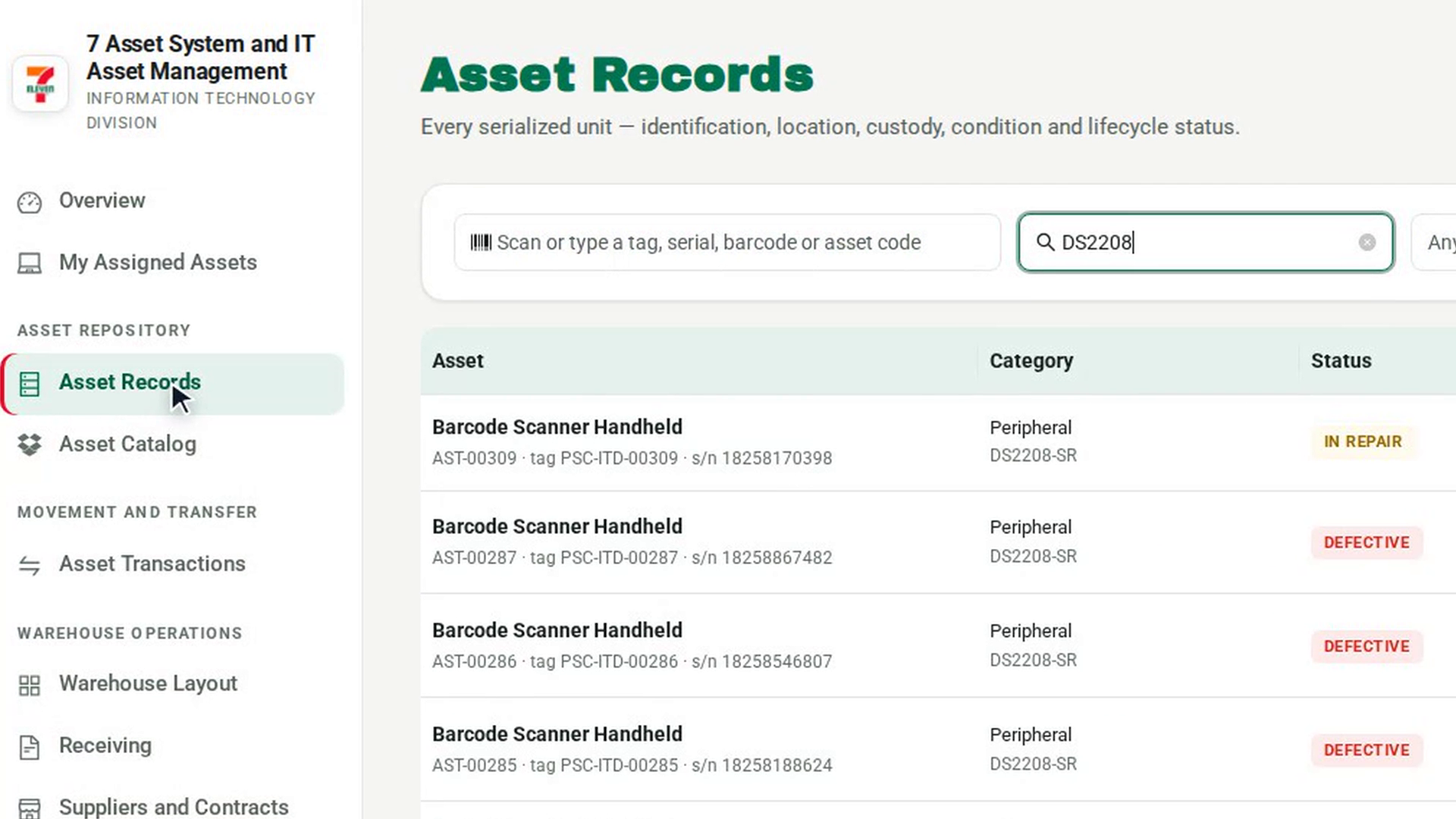
Check the code is not already in use
Select the box that reads Scan or type a tag, serial, barcode or asset code. Scan the label, or type the tag, and press Enter. If no asset uses it, a message says no live asset carries that code as an asset code, tag, serial or barcode. If an asset record opens instead, the code is already taken.
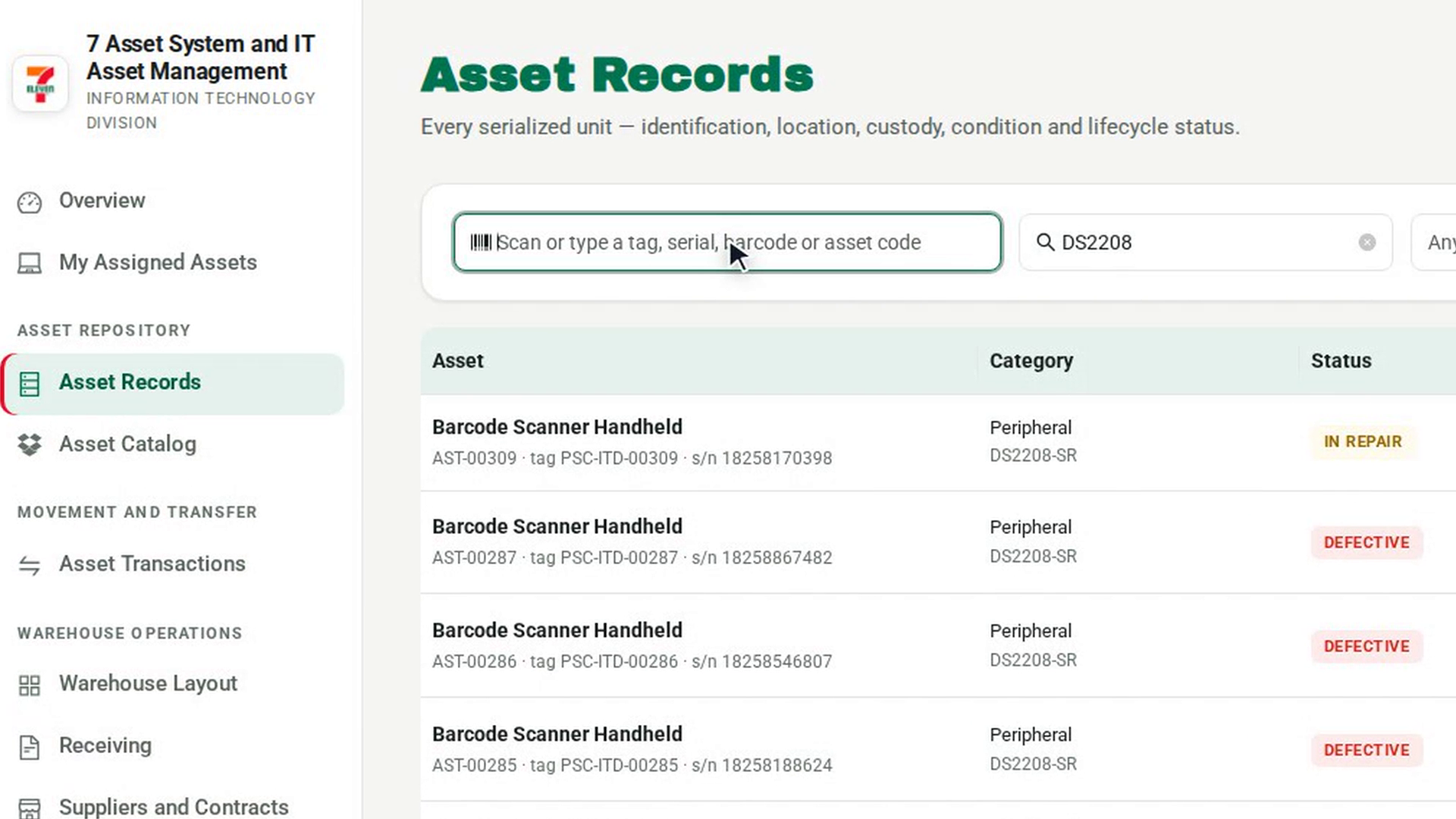
Check the serial number too
Go back to Asset Records and repeat the check with the serial number the maker stamped on the unit.
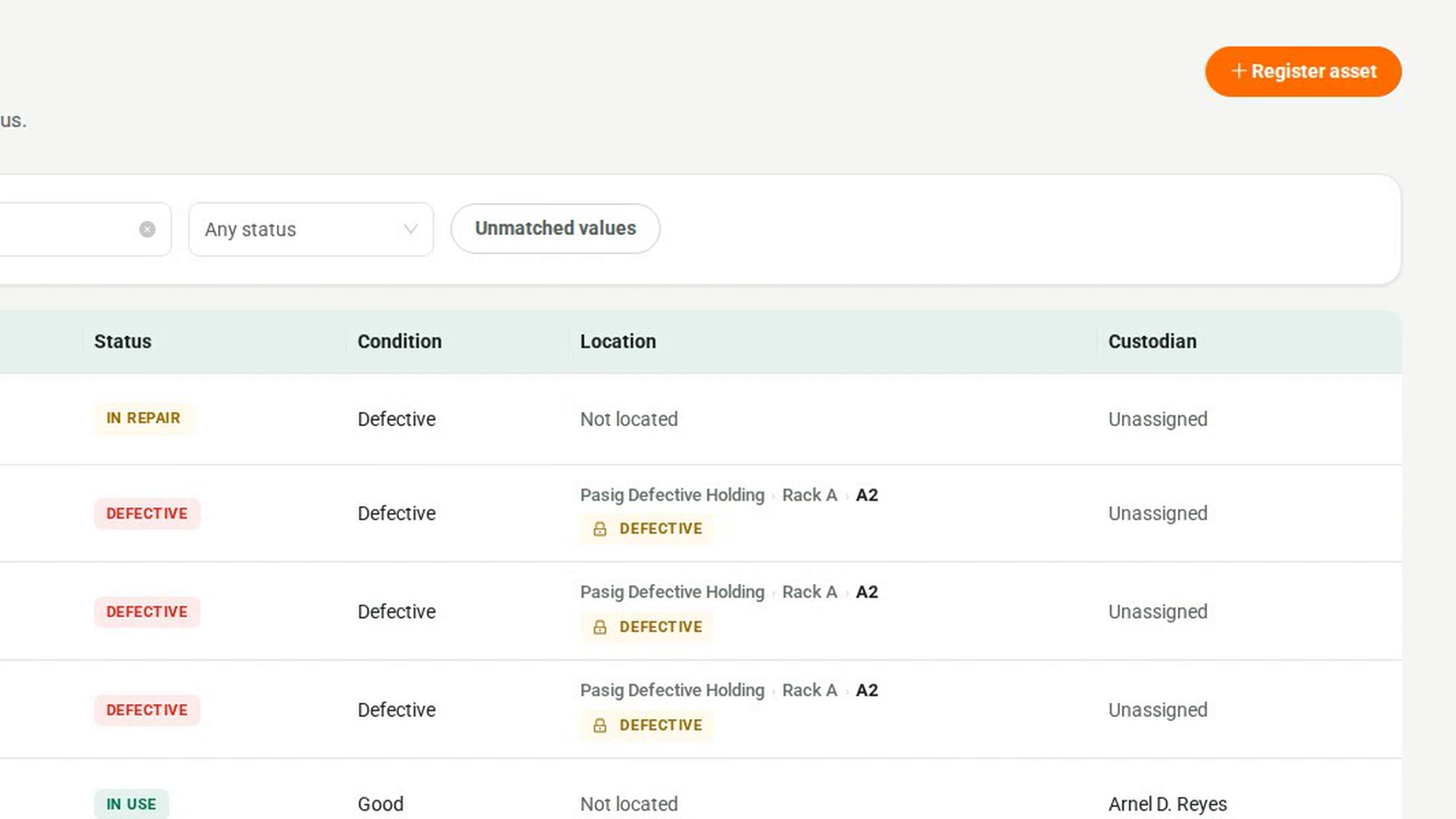
Enter the codes on a new record
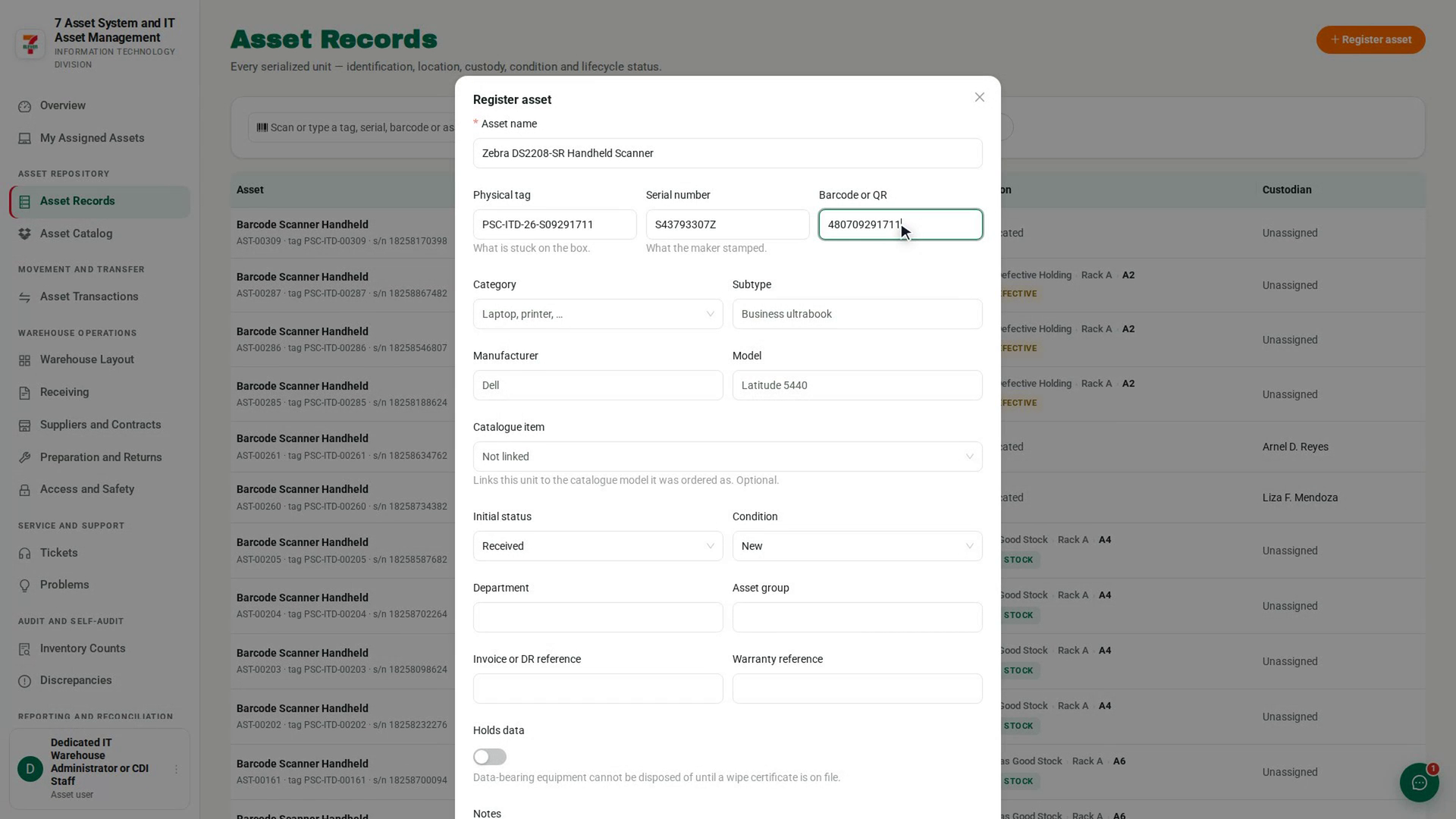
Select Register asset. In the dialog, fill in Asset name, then Physical tag, Serial number and Barcode or QR.
Register it
Fill in the rest of the record and select Register asset in the dialog footer. A message confirms the asset code 7-Asset generated for the unit.
Screenshots
Step 1: Open Asset Records
Step 2: Check the code is not already in use
Step 3: Check the serial number too
Step 4: Enter the codes on a new record
Step 5: Register it
Watch how
Putting the label on the equipment happens outside 7-Asset. 7-Asset records the tag, serial and barcode. Printing the label and fixing it to the unit is done by hand.
A duplicate tag or serial is refused and investigated. If another live asset already has the same physical tag or serial number, 7-Asset refuses the registration and names the asset that holds it. The attempt is filed as a duplicate case, so the two physical items can be told apart before either is trusted.
Barcodes are not checked when you register. Only the tag and the serial number are checked for duplicates at registration. If two assets end up sharing a barcode, scanning that barcode shows both of them and asks you to resolve the duplicate.