Reconcile the inventory
The inventory reconciliation builds a balance bridge from the opening count to the closing count, and lists every exception that stands between the register and a clean sign-off. You use it to see what is still open and to work each exception on its own screen.
Before you start
- You need to be an IT Hardware Inventory Supervisor, IT Service Governance, Asset and Logistics Associate, or IT Business Systems or Application Team.
- Submit and sign any counts for the period first, so their differences are already cases.
Steps
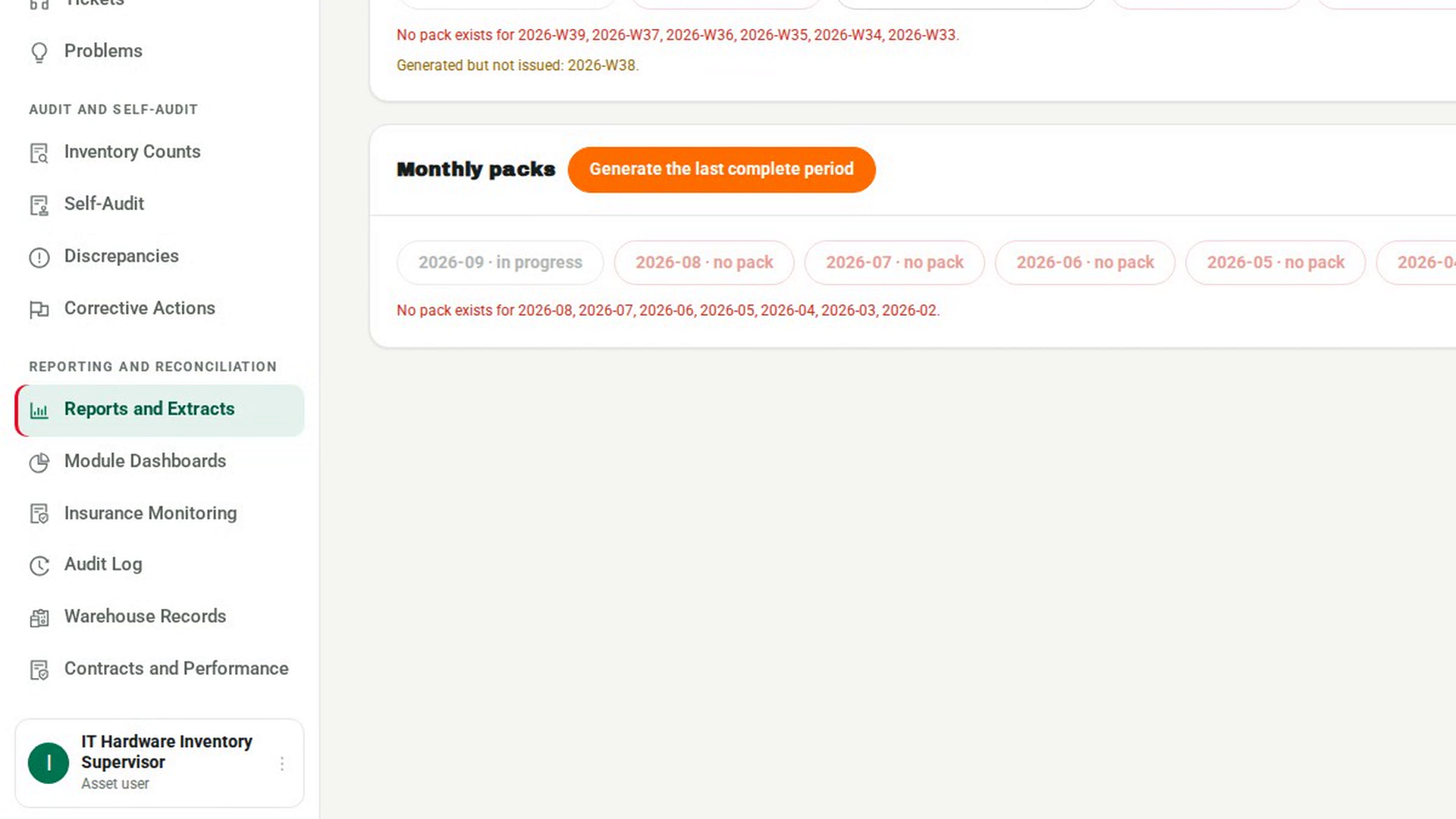
Open Reports and Extracts
In the sidebar, under Reporting and Reconciliation, select Reports and Extracts.
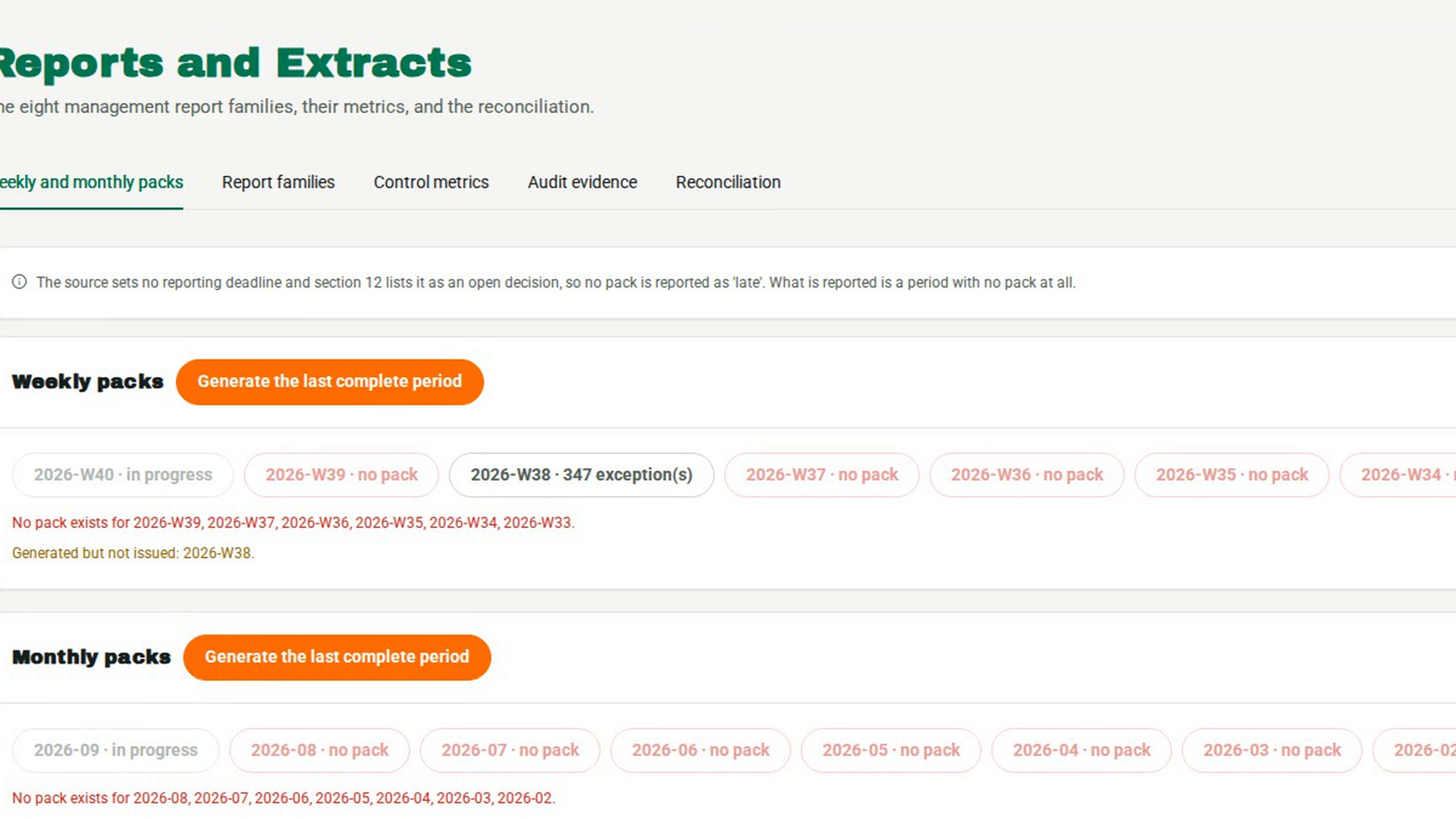
Build the reconciliation
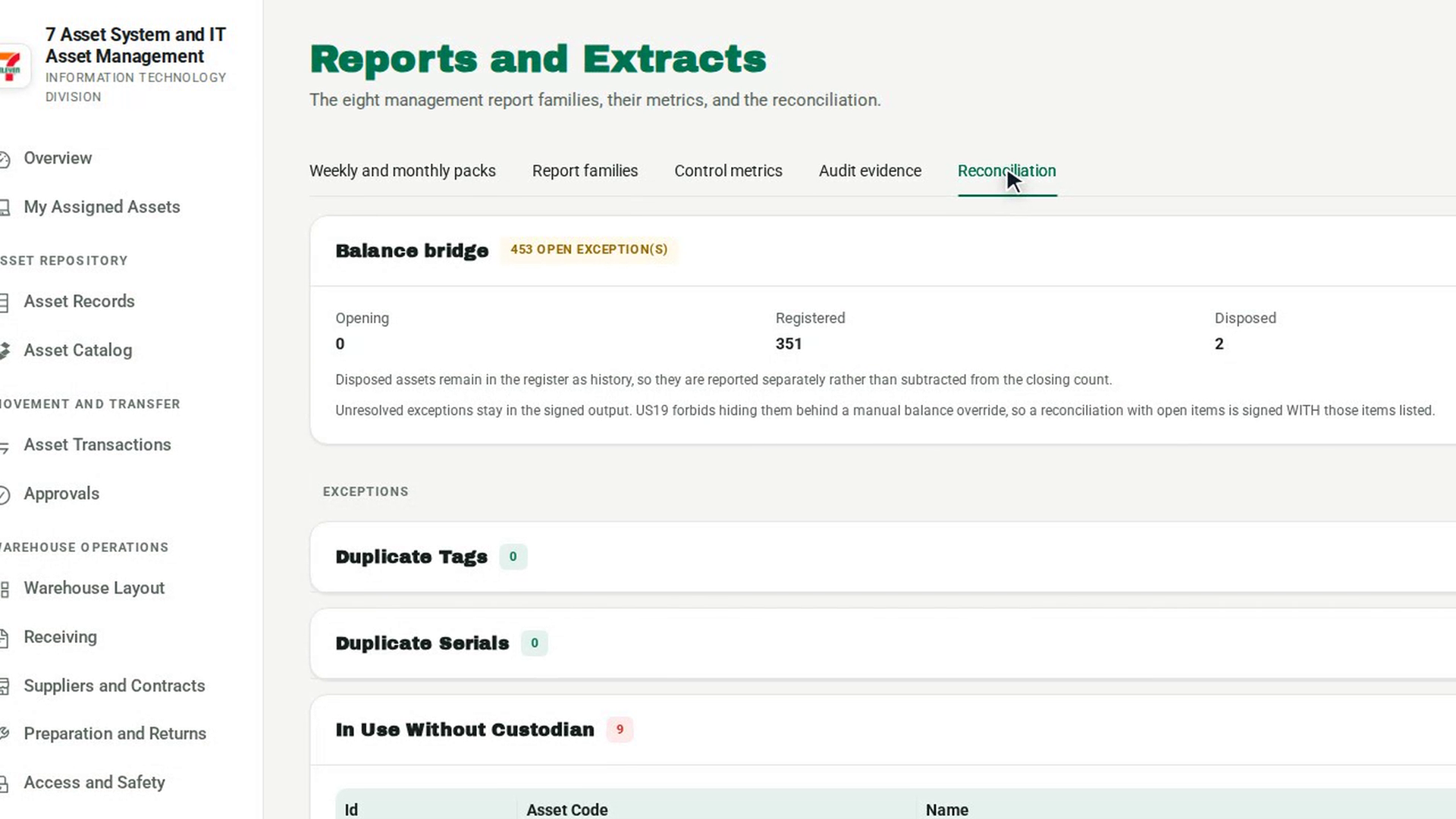
Select the Reconciliation tab. The reconciliation builds when you open the tab. If it does not appear, select Build the reconciliation.
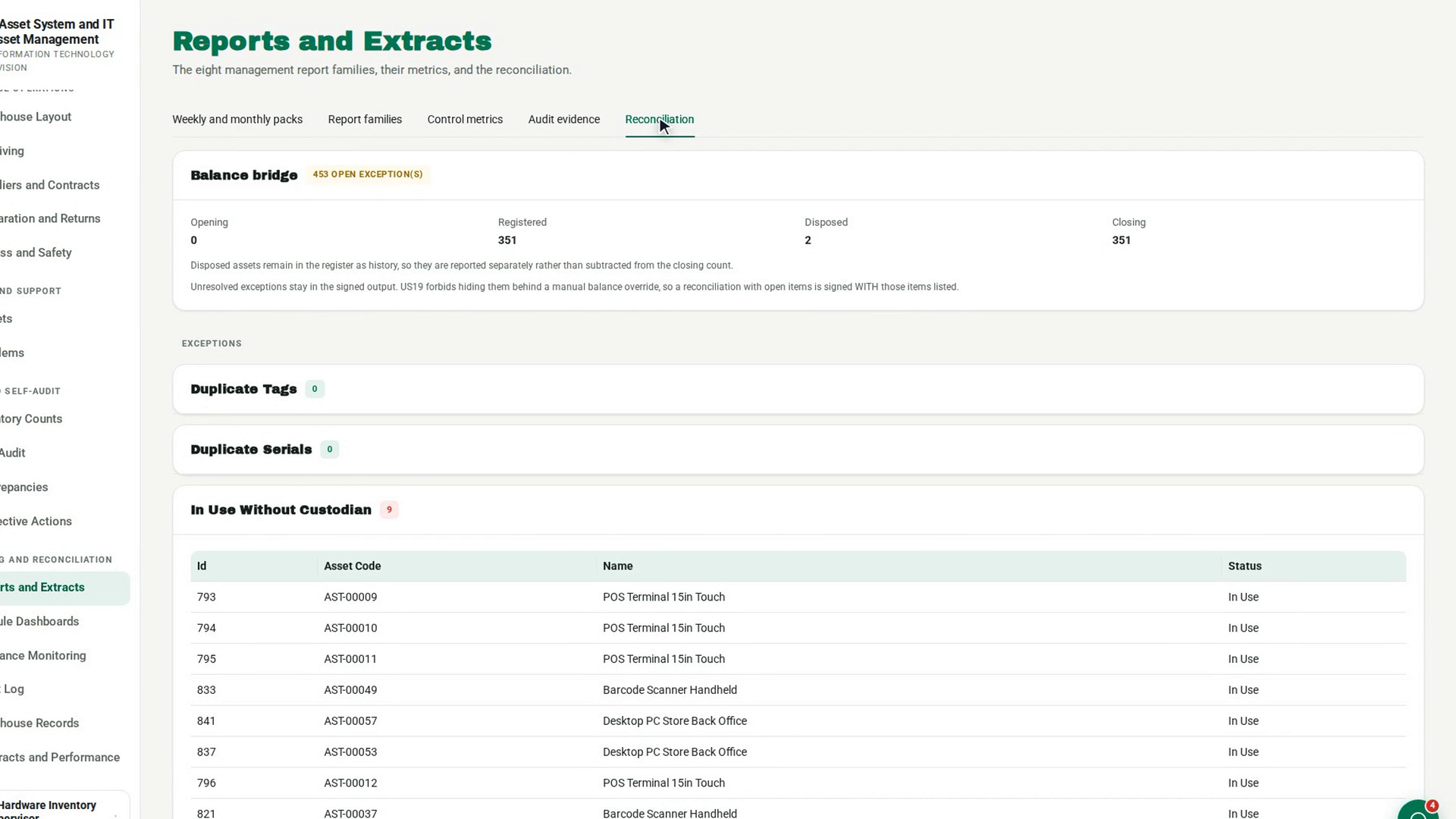
Read the balance bridge
The Balance bridge card shows Opening, Registered, Disposed and Closing. The chip beside the title reads no open exceptions, or how many exceptions are open. Disposed assets stay in the register as history, so they are shown separately rather than subtracted from the closing count.
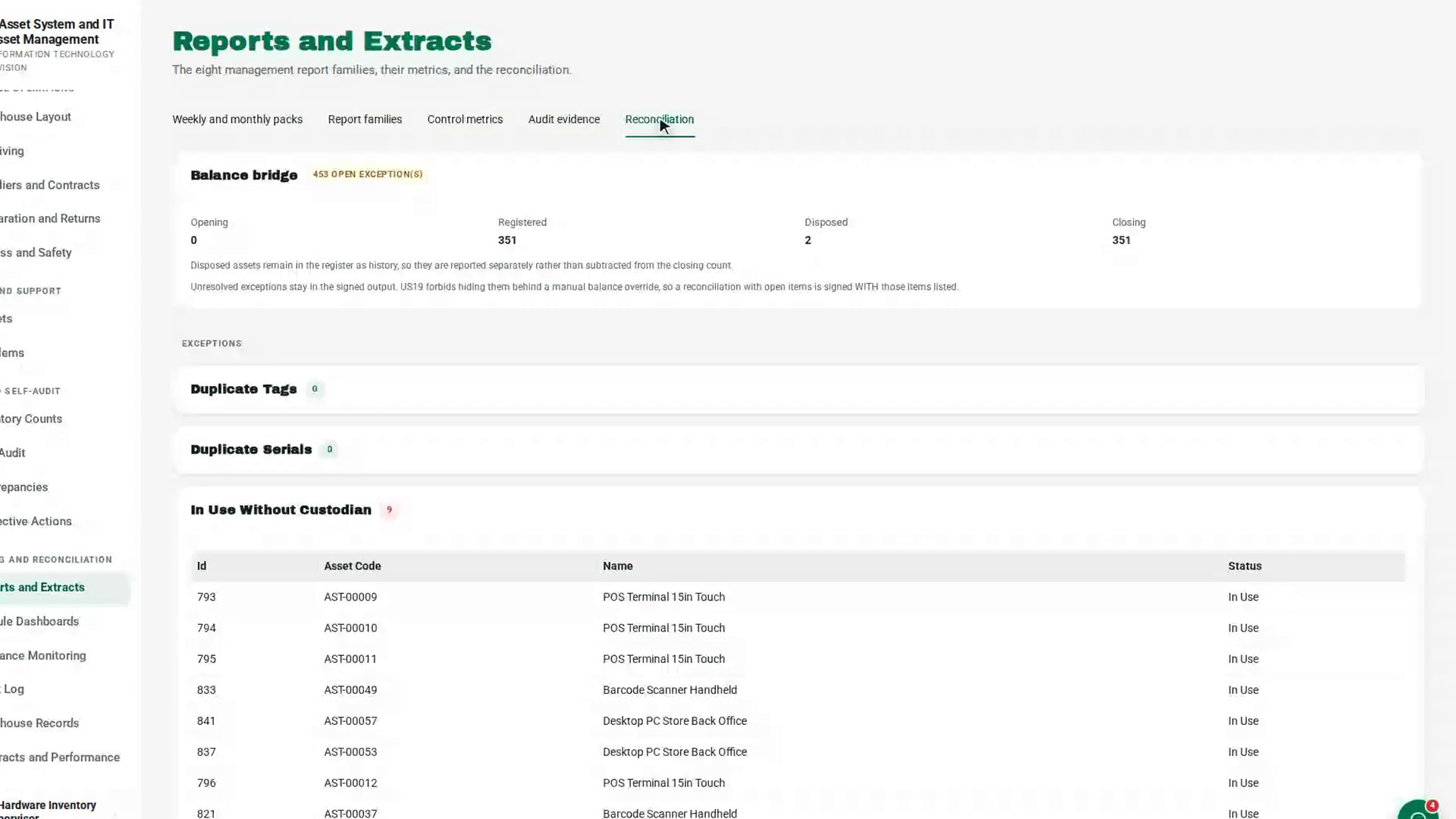
Review the exceptions
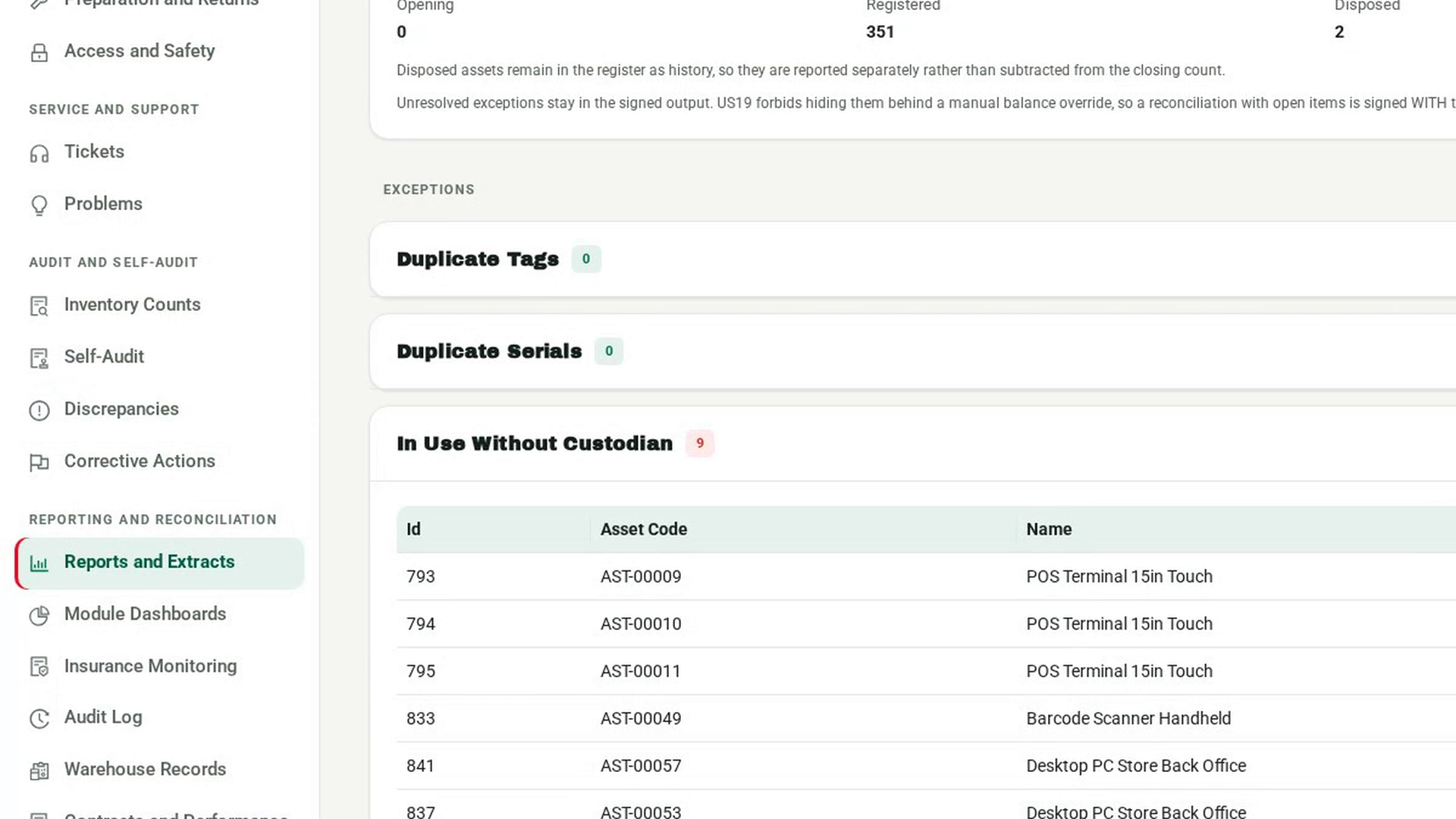
Under Exceptions, each check has its own card with a count: Duplicate Tags, Duplicate Serials, In Use Without Custodian, Stored Without Location, Open In Transit, Unresolved Variances and Unmatched Values. A Stock Bridge Variance card appears when the stock ledger does not tie. Cards with items list them in a table.
Resolve each exception where it lives
Work each item on its own screen. Unresolved variances, and tag, serial, custodian or location problems, are worked on Discrepancies. Open movements are cleared on Asset Transactions. An unmatched value is an asset whose price is not traced to an approved source.
Rebuild to confirm
Switch to another tab and back to Reconciliation to build it again. When every card shows zero, the chip reads no open exceptions.
Screenshots
Step 1: Open Reports and Extracts
Step 2: Build the reconciliation
Step 3: Read the balance bridge
Step 4: Review the exceptions
Step 5: Resolve each exception where it lives
Step 6: Rebuild to confirm
Watch how
Tip: Open exceptions are never hidden behind a manual balance override. A reconciliation with open items is signed with those items listed.